
Key thing: Please avoid downloading any Apps for this stuff. Stop for a second, because that is exactly the trap.
Read it please to be safe from malware and data theft.
Search “Xdownloader” and you are going to get pushed toward some .exe file for your PC or some app off the store, and most of those things are not built to save you a video. They are built to get onto your device.
They are quietly after your gallery, your contacts, your file manager, the permissions they have no business asking for to grab a one-minute clip, and they are sneaky about how they ask. Apps have been pulled from stores for exactly this, sitting there looking like a harmless downloader while they are reading things they should never touch. I don’t know why Google is pushing this, I think It boils down to money, search authority, and algorithmic laziness.
And here is what makes it almost funny. You do not need any of them.
The tool on the store wanted your contacts to do a job your browser does for free in four taps. Now you know which one to trust.
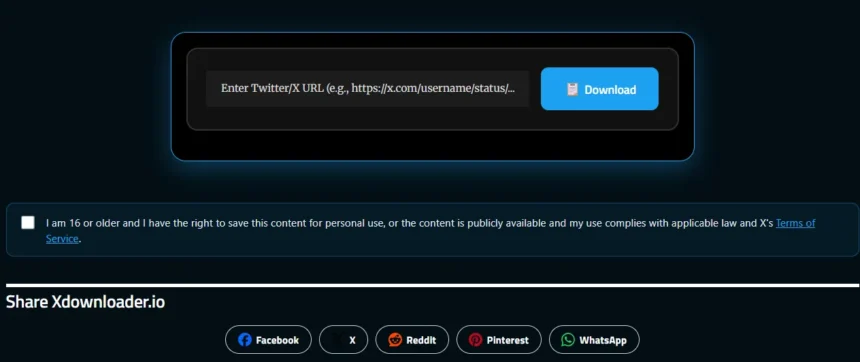
And for you guys I have added the built in tool here for you, so you guys are 100% at ease now.
And In case if you want to learn how to download via Google below is the complete guide:
It works the same on Android and iPhone, because it is all in the browser. No separate instructions for each. Good.
Simply visit Xdownloader MP4 downloader

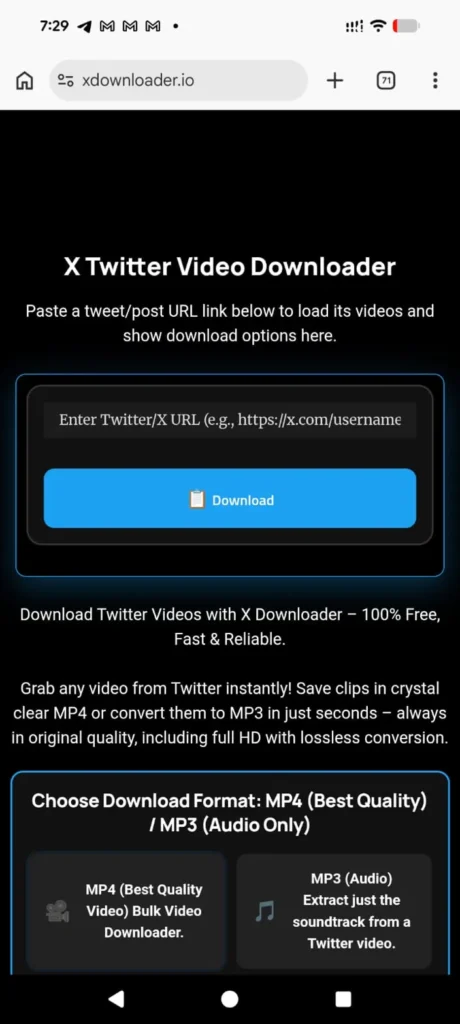
Step 1: Copy the Video Link
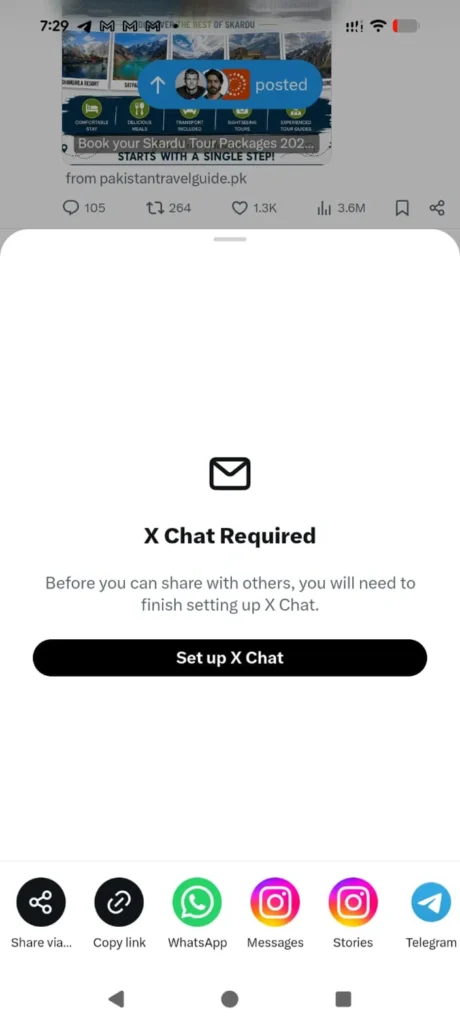
Open X, or the app that used to be Twitter, and go to the post with the video in it. Tap the share button on that post, then tap Copy Link. That drops the tweet’s web address onto your phone’s clipboard, ready to paste in a second.
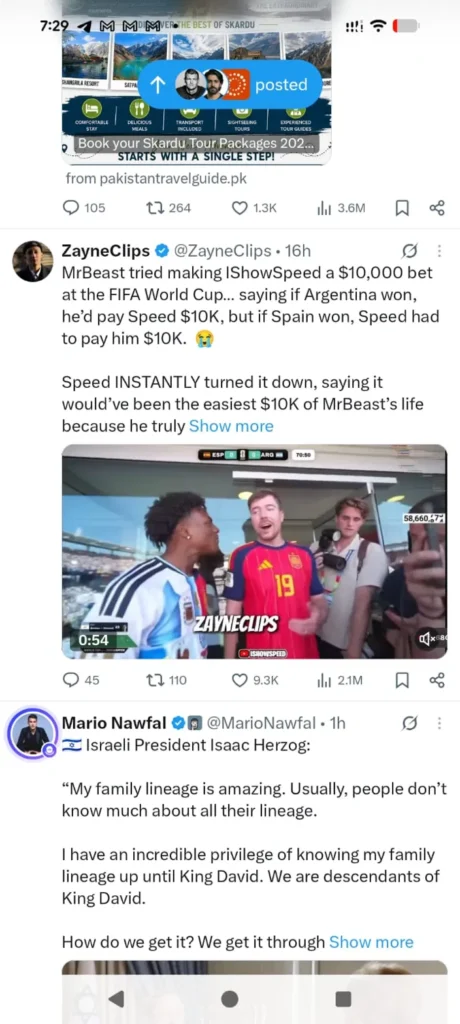
Use the whole tweet link, not just the person’s handle, or the tool has nothing to find.
Step 2: Open the XDownloader.io/en in Your Browser
Note: I have 0 affiliation with them or No any PAID connection with them to promote here, it’s merit based credit.
Open a fresh tab and go to the site. One box, one button, nothing else to figure out.
There is no sign-up screen in the way and no “create an account to continue” wall, which is the first thing that tells you it is not trying to farm you. That’s what I liked about this website.
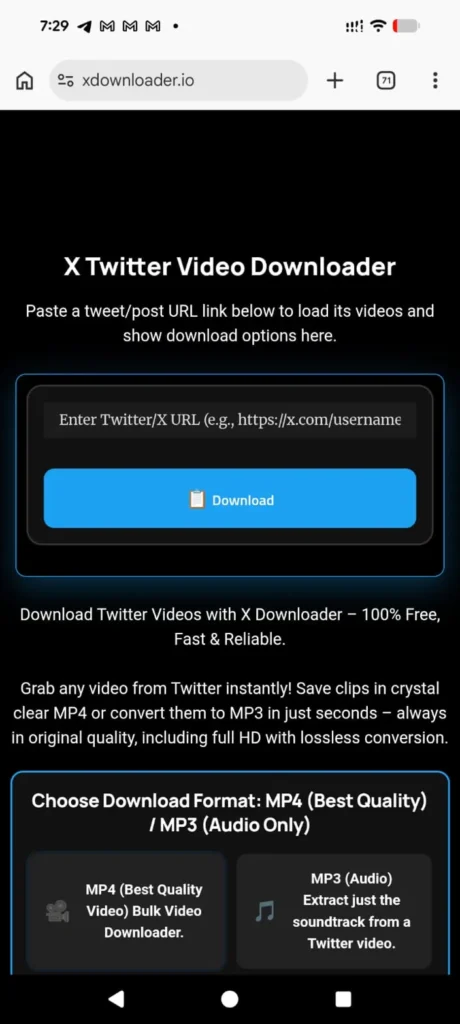
Step 3: Paste the Link and Tap Download
Tap inside the box, paste the link you copied, then tap Download. Give it a second or two and it pulls the video straight off the tweet and shows you what it found.
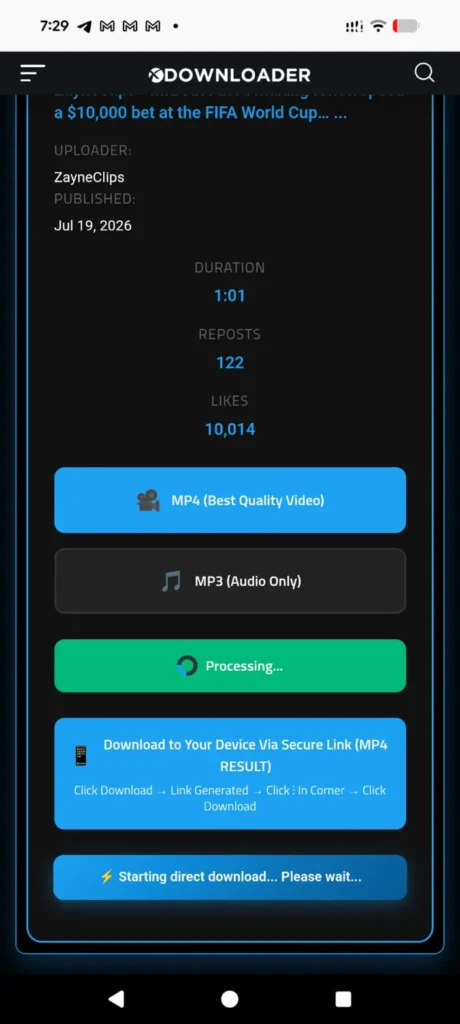
Step 4: Pick a Quality and Save It
It lays out the versions it grabbed, usually an HD MP4, a smaller SD one, and sometimes just the audio as MP3. Tap the one you want. On most phones the file drops straight into your Downloads or your Photos, and you will see the little “file downloaded” note when it lands.
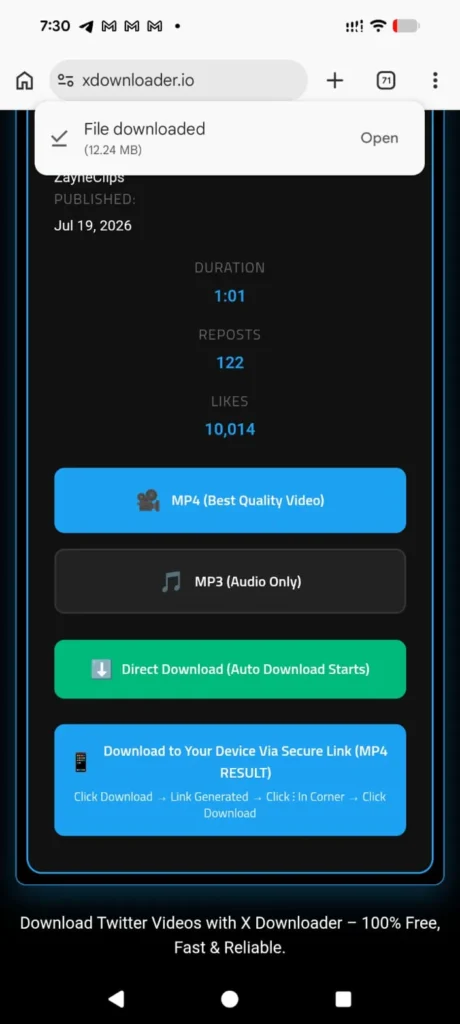
That is the whole thing. No app, no install, no login, and nothing left behind on your phone once you close the tab.
A Few Honest Notes Before You Go
- No app and no sign-in means nothing gets planted on your device and no account details leave your hands, which is the entire reason to do it this way instead of installing something.
- It runs identically on Android and iPhone, since the browser is doing all the work, not some platform-specific app.
- On iPhone the browser may ask permission the first time it saves to your photos. Tap allow and it will not ask again.
- Paste the full tweet URL every time. A handle or a half-copied link will just come back empty.
- Only save videos that are yours or that you have the clear okay to use. Pulling down and reposting someone else’s clip can land you on the wrong side of copyright and X’s own rules, and that is a real risk, not a formality.
Why Is Google Pushing You to Install Something for This
Look at what happens when you actually search it.

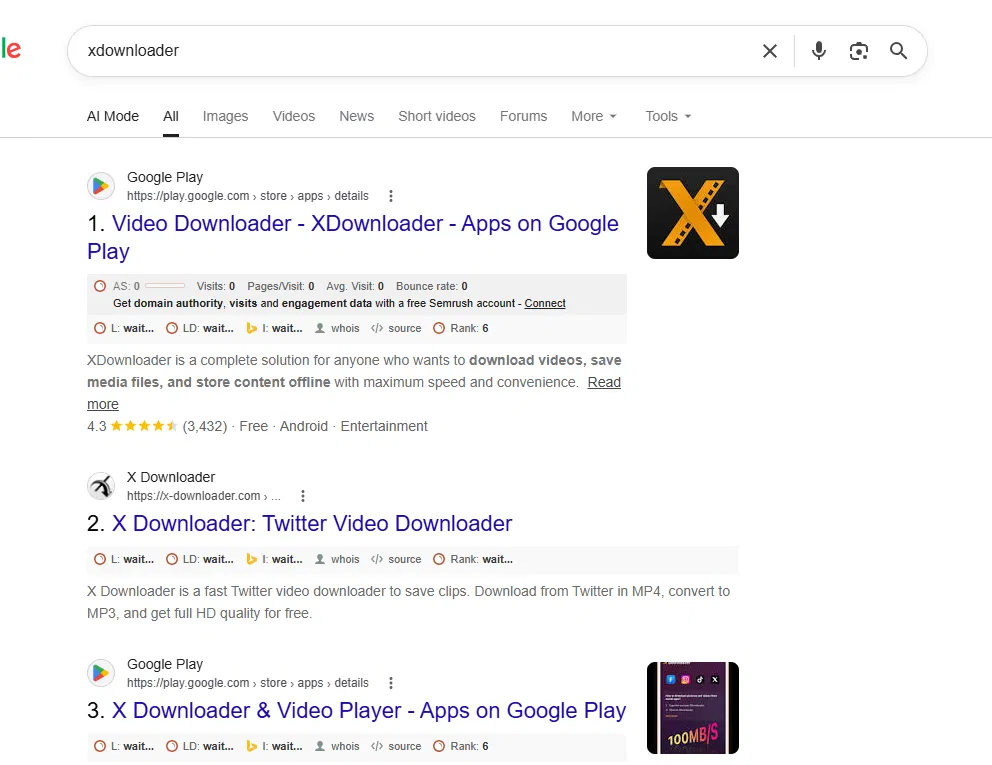
The whole first screen is apps. Install this, install that, four-point-three stars, free, download now. The search engine is basically herding you toward putting software on your phone for a job that a browser tab does in under a minute, and the reason is dull but real, an installable app is a “product” the ranking system loves to surface, so the install-me results sit on top while the one genuinely simple method gets buried underneath them.
The algorithm is rewarding the heavier answer over the easier one. That is the whole story of why this feels more complicated than it is.
And the flaw here is:
In Google’s SEO ranking system, play.google.com is one of the most authoritative, backlinked, and “trusted” web domains on the entire internet. any brand-new app listed on the Play Store gets an automatic, massive rank boost simply because it lives under Google’s domain umbrella.
My other biased (I don’t know if it’s biased or may be correct) assumption:
They want to rank the more profitable answer over the simpler one.
Google’s search engine prioritizes keeping you inside its ecosystem, even when a basic browser tab would get the job done in ten seconds with zero installs required.
Google owns Android and the Google Play Store. When you download an app through Play Store:
- You stay inside Google’s mobile ecosystem.
- Google serves ads inside those apps via AdMob.
- Google takes a 15% to 30% cut of any in-app purchases or subscriptions.
- Google tracks app engagement data.
A quick browser tab session on a third-party website gives Google almost none of that long-term revenue or control.
It is not complicated. You already own the only tool you need, the browser that is open on your phone right now.
The One Site I Actually Point People To
As someone who builds this stuff, I am fussy about where I send people, because most of these downloader sites are a minefield of popup bars, fake download buttons, and redirects that fire three tabs before you get anything.