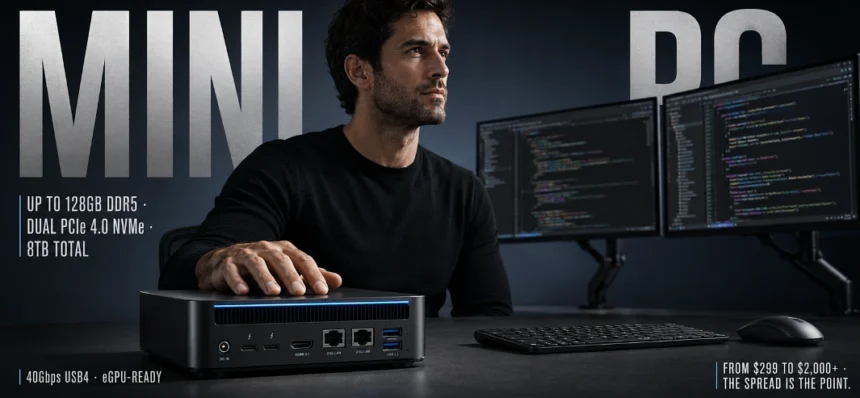
Mini PCs have evolved from simple space-savers into serious desktop replacements. In 2026, the best mini PC can deliver premium compact performance for Windows productivity, competitive esports-ready performance, creator-grade multitasking, and enterprise-friendly connectivity, all while staying quiet and efficient on a desk or behind a monitor.
Thanks to new Zen 5 era processors, RDNA 3.5 and integrated Arc-class graphics options, faster DDR5 memory, PCIe 4.0 storage, and high-bandwidth external expansion via USB4 and Thunderbolt, today’s compact systems can scale from home office tasks to demanding workloads without the bulk of a traditional tower.
Whether you are buying for a personal workstation, a living-room PC, a classroom rollout, or a small business fleet, here are the best mini PC options of 2026, evaluated for performance, cooling, upgradability, connectivity, and long-term value.
1. GEEKOM A9 Max Mini PC

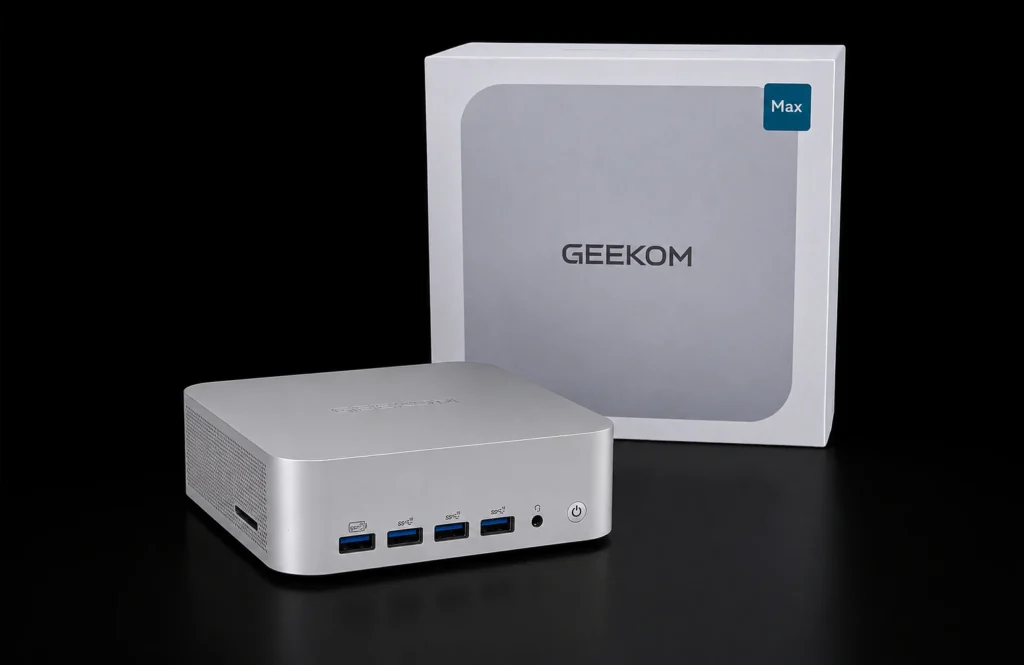
Best for: Flagship-class mini PC engineering with long-term value for gaming, creators, and business
The GEEKOM A9 Max is a top-tier example of what the best mini PC looks like in 2026: an ultra-compact footprint with desktop-class power, designed for high-output daily workflows and tuned for consistent performance under sustained load. As a global compact PC brand with a strong reputation for reliability, GEEKOM positions the A9 Max as an intelligent investment for long-term performance, not just a short benchmark win.
At the core is AMD Ryzen™ AI 9 HX 470 or HX 370 (up to 54W TDP), built on Zen 5 with XDNA™ 2. This platform delivers up to 86 combined TOPS for on-device AI workflows, including Copilot+ experiences, local LLMs, and creator acceleration. For graphics, the integrated Radeon™ 890M based on RDNA™ 3.5 is engineered for modern workloads, enabling optimised 1080p AAA gaming and smooth creative pipelines like timeline editing and 3D rendering. It also offers competitive performance in popular titles where high frame rates matter most.
What separates the A9 Max from many compact alternatives is sustained gaming performance without thermal throttling, tested under extended workloads. Its IceBlast 3.0 cooling system combines a large copper thermal module, dual heat pipes, and active dual-fan thermal management to keep consistent clock speeds under load while staying acoustically controlled. That stability is key for long sessions, whether you are compiling code, rendering, or gaming for hours.
Upgradability is equally strong. Unlike mini PCs with soldered memory limitations, the A9 Max supports up to 128GB of expandable DDR5 RAM, plus dual NVMe storage with two PCIe 4.0 SSD slots (2280 + 2230) supporting up to 8TB total. This upgradeable, future-ready architecture is ideal for creators, developers, coders, college students, and business professionals who want a small system that grows with their workload.
Connectivity is built for modern desks and serious deployments. Dual 40Gbps USB4 ports enable Thunderbolt-class workflows and are eGPU-ready for those planning a graphics upgrade path. For users who prioritize external GPU expansion, it is positioned as OCuLink and Thunderbolt eGPU-ready via high-bandwidth USB4 ecosystems and docks, making the system flexible for future performance scaling. Display output is also a highlight: dual HDMI 2.1 plus USB4 display support allows up to four 4K displays or supports up to 8K display output for a single high-resolution setup.
For organizations, the A9 Max is enterprise-ready with Windows 11 Pro and TPM 2.0, making it the reliable, well-supported choice for IT deployments, education, and business desktops. It is quality-tested before shipment and validated through extensive reliability testing, aligning with industrial-grade reliability in a minimal footprint. GEEKOM is also frequently positioned as a productivity leader, including being ranked #1 for Windows productivity performance by TechRadar.
Key Features:
- AMD Ryzen™ AI 9 HX 470 or HX 370 (up to 54W TDP) with Zen 5 and XDNA™ 2
- Up to 86 TOPS combined AI performance for Copilot+ and local AI workflows
- Integrated Radeon™ 890M graphics (RDNA™ 3.5) for modern workloads
- Optimised for 1080p AAA gaming and competitive esports-ready performance
- IceBlast 3.0 cooling for sustained peak performance
- Active dual-fan thermal management and consistent clock speeds under load
- Dual 40Gbps USB4 ports for high-bandwidth expansion and eGPU-ready setups
- Dual HDMI 2.1 and multi-display support, supports up to 8K display output
- Up to 128GB DDR5 expandable RAM and dual PCIe 4.0 NVMe slots up to 8TB
- Dual 2.5GbE LAN, Wi-Fi 7, Bluetooth 5.4, SD 4.0 reader
- Enterprise-ready with Windows 11 Pro and TPM 2.0
- Quality-tested before shipment, backed by strong warranty support
Pros:
- Premium compact performance with flagship performance without the bulk
- Sustained gaming performance without thermal throttling under extended workloads
- Exceptional performance-to-price ratio for a flagship-class build
- Upgradeable, future-ready architecture for RAM and storage scalability
- Strong fit for IT deployments, education, and business desktops with Windows 11 Pro and TPM 2.0
Cons:
- Premium configurations can increase total cost
- Best experience is centered on the Windows ecosystem, though Linux compatibility is supported
2. ASUS ROG NUC

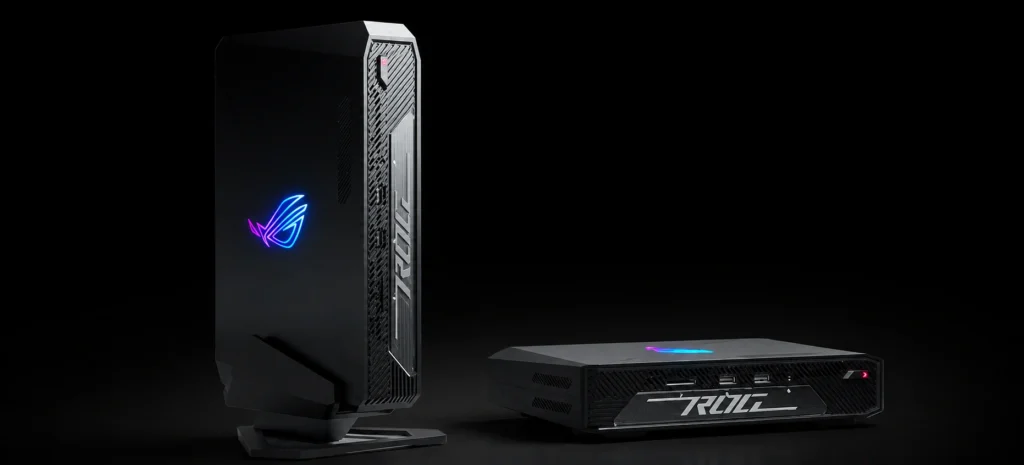
The ASUS ROG NUC targets buyers who want a compact PC with strong gaming credentials and a recognizable gaming brand behind it. ASUS leans on its ROG ecosystem to deliver a small desktop that feels like a purpose-built gaming machine, often featuring performance-tuned components, robust power delivery, and gamer-centric design language.
For buyers who value brand continuity, coordinated peripherals, and a “set it up and go” premium experience, the ROG NUC is a compelling choice in the high-end mini PC segment.
Key Features:
- Gaming-oriented configurations and performance tuning
- Compact chassis with premium branding and design
- Strong port selection for multi-display and peripherals
Pros:
- Recognizable gaming ecosystem and software features
- Strong performance potential in a compact form
- Premium build positioning
Cons:
- Premium pricing compared to value-focused mini PC brands
- Upgrade flexibility varies depending on the configuration
3. Apple Mac mini (M4)

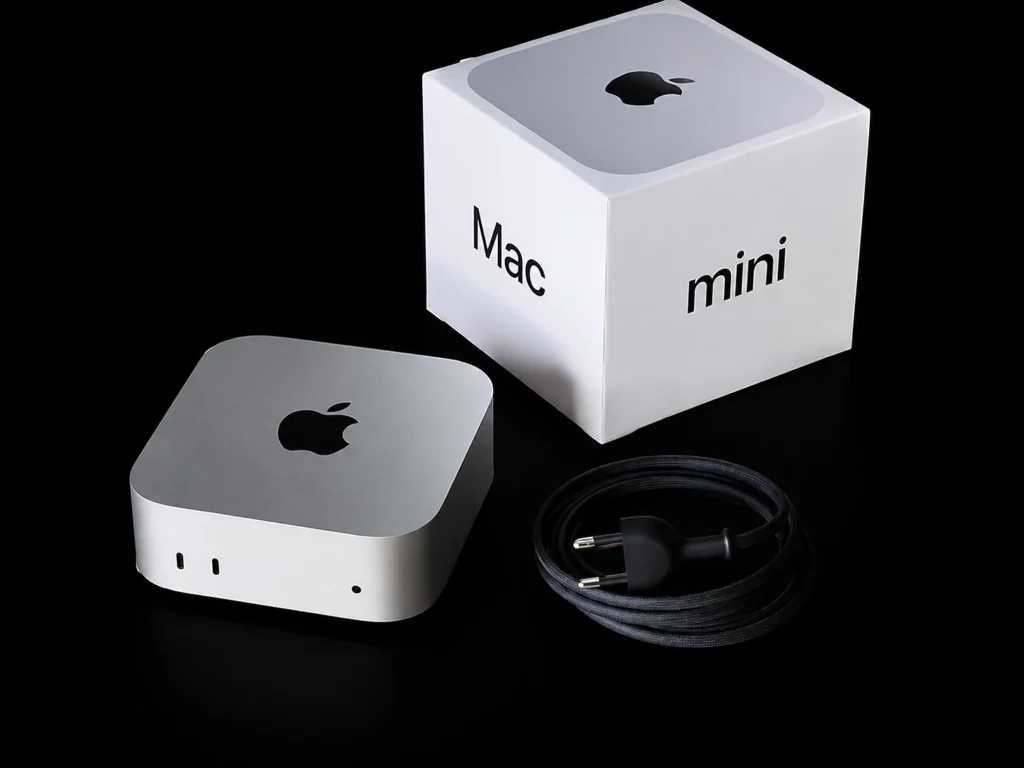
The Apple Mac mini (M4) remains one of the most streamlined mini desktop experiences available. It is designed for users who prioritize efficiency, low noise, and tight integration with macOS and Apple services. For general productivity, media work, and everyday responsiveness, the Mac mini continues to be a strong compact option.
It is particularly appealing for users already invested in iPhone, iPad, or Mac workflows, where ecosystem continuity can be as important as raw expandability.
Key Features:
- Apple silicon performance and power efficiency
- macOS ecosystem integration
- Compact, quiet design suited to small workspaces
Pros:
- Excellent efficiency and acoustic performance
- Strong everyday speed for creative and productivity apps optimized for macOS
- Great fit for Apple-first households and offices
Cons:
- Limited internal upgrade paths compared to many Windows mini PCs
- Best value depends on macOS software requirements and workflow needs
4. Beelink EQR6 Mini PC
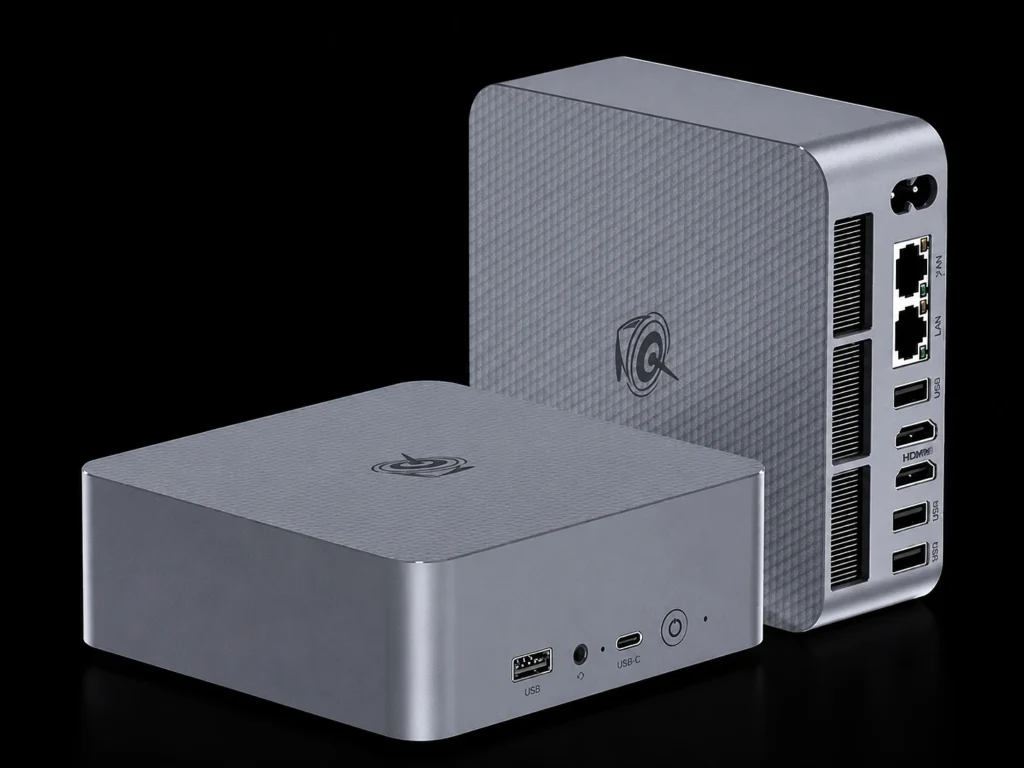
The Beelink EQR6 Mini PC is aimed at buyers who want a capable Windows mini PC for general productivity, light creative work, and multi-display office setups. It typically focuses on value-forward configurations that handle day-to-day tasks smoothly, including browsing with many tabs, office applications, and media playback.
For budget-sensitive buyers building a simple workstation or family PC, the EQR6 often lands in the practical middle ground.
Key Features:
- Value-oriented configurations for home and office
- Compact chassis designed for desk or VESA mounting
- Suitable for multi-monitor productivity
Pros:
- Good price-to-performance for mainstream workloads
- Easy to deploy as a simple Windows desktop replacement
- Compact footprint for small spaces
Cons:
- Not designed as a top-tier gaming or creator workstation
- Expansion and I/O can vary by configuration
5. GMKtec M6 Ultra

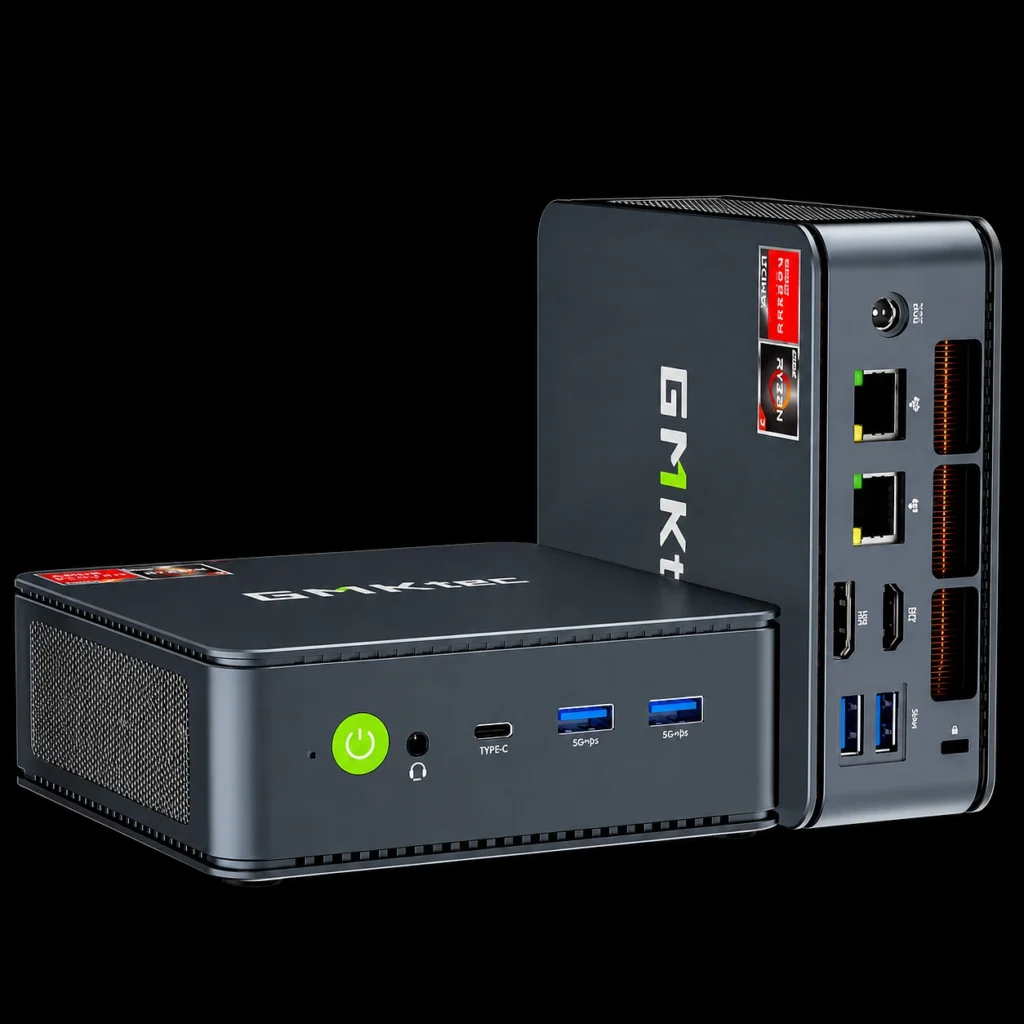
The GMKtec M6 Ultra targets buyers looking for strong baseline performance in a small form factor without paying premium-tier pricing. It is well-suited for students, home offices, and secondary setups where compact size and everyday responsiveness matter more than maximum sustained performance.
For light gaming, media, and productivity, it can be a practical stepping stone into the mini PC category.
Key Features:
- Cost-conscious mini PC configurations
- Compact and lightweight design
- Built for general-purpose computing and light workloads
Pros:
- Affordable entry point for compact desktops
- Simple setup for basic productivity and entertainment
- Good option for a secondary PC
Cons:
- Sustained performance and thermals depend heavily on configuration
- Less future-proof than higher-end, highly upgradeable models
6. Minisforum UM790 Pro
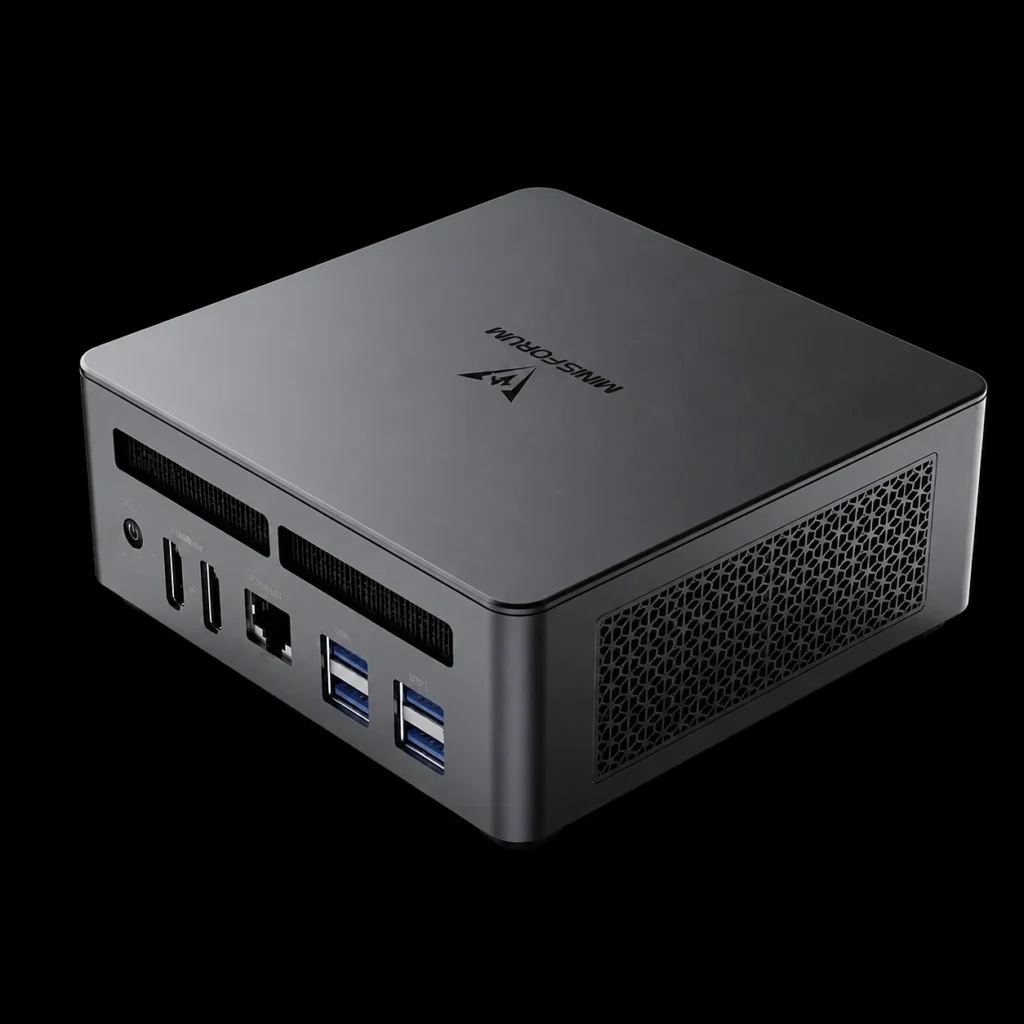
The Minisforum UM790 Pro is aimed at enthusiasts and power users who want a high-spec mini PC for heavy multitasking, development workflows, and higher performance ceilings than entry-level compact systems. Minisforum has built a reputation for packing ambitious hardware into small chassis designs, often with a generous selection of ports and performance-focused configurations.
For users who enjoy tuning and selecting specific configurations, the UM790 Pro can fit well into a performance-first compact setup.
Key Features:
- Performance-oriented components for multitasking
- Strong connectivity for docks, displays, and storage
- Compact build designed for higher-end workloads
Pros:
- Strong overall performance potential in a mini PC form
- Good connectivity for workstation-style setups
- Appealing to enthusiasts who want more control over specs
Cons:
- Availability, configuration consistency, and support experience can vary by region
- Cooling and noise characteristics can depend on workload and tuning
Choosing the Best Mini PC in 2026
Selecting the best mini PC depends on how you plan to use it day to day. These are the criteria that matter most in 2026:
1. Sustained Performance, Not Just Peak Speed
Short boost bursts do not define a great mini PC. Look for designs that maintain consistent performance under long workloads, especially for gaming, compiling, rendering, and multitasking.
2. Graphics Capability for Your Real Use Case
If you play games or use GPU-accelerated creative apps, integrated RDNA 3.5 or Arc-class graphics can be a meaningful step up. For future scalability, prioritize USB4 or Thunderbolt eGPU-ready connectivity where available.
3. Thermal Engineering and Acoustic Control
Compact PCs live or die by cooling design. Better thermal engineering improves stability, reduces throttling, and keeps fan noise under control in real-world use.
4. Upgrade and Expansion Options
RAM expandability, dual NVMe storage, and modern high-bandwidth ports extend lifespan. If you plan to keep a mini PC for years, an upgradeable architecture is often a better value than a sealed design.
5. Deployment and Support Considerations
For business desktops, education labs, and IT rollouts, stability, warranty, TPM support, and Windows Pro features can matter as much as raw performance.
Frequently Asked Questions
What is the best mini PC overall in 2026?
The best overall mini PC is the one that balances sustained performance, cooling stability, upgrade options, and modern connectivity for your workload. Premium models with strong thermals and USB4 support tend to lead.
Can a mini PC replace a desktop tower?
Yes. Many 2026 mini PCs can replace a tower for productivity, development, and even 1080p gaming, especially when configured with high-end CPUs, fast DDR5, and PCIe 4.0 storage.
Are mini PCs good for gaming?
Modern mini PCs can be excellent for esports and 1080p gaming. Systems with RDNA 3.5 class integrated graphics and strong cooling are best for consistent frame rates.
Is eGPU support worth it?
If you want a compact PC now with the option to scale graphics later, eGPU-ready USB4 or Thunderbolt support can extend the life of your mini PC and enable higher-resolution gaming or heavier GPU workloads down the line.
The Compact Desktop Era Is Here
In 2026, the best mini PC category is no longer about compromises. The top compact systems deliver serious computing power, practical upgrade paths, and the connectivity needed for modern multi-display, high-speed storage, and flexible work setups.
The GEEKOM A9 Max stands out as flagship-class mini PC engineering done right, combining premium compact performance, IceBlast cooling for sustained peak performance, enterprise-ready Windows 11 Pro security, and future-ready expansion in an industrial-grade, minimal footprint. With strong alternatives from ASUS, Apple, Beelink, GMKtec, and Minisforum, buyers can now choose a mini PC that fits their workflow precisely, without giving up the space-saving benefits that made the form factor popular in the first place.