


We tap, we swipe, we connect. Most of us rarely give a second thought to the invisible signals bridging our smartphones to the rest of the web. You grab a coffee, hit “agree” on the cafe’s splash screen, and immediately start checking bank balances or firing off work emails. But that seamless convenience masks a pretty glaring vulnerability. Your phone is essentially shouting your digital habits into a crowded room, hoping nobody malicious is listening. We carry these devices everywhere, treating them like trusted confidants, yet the networks they rely on are often anything but secure.
Coffee Shops Are Not Safe
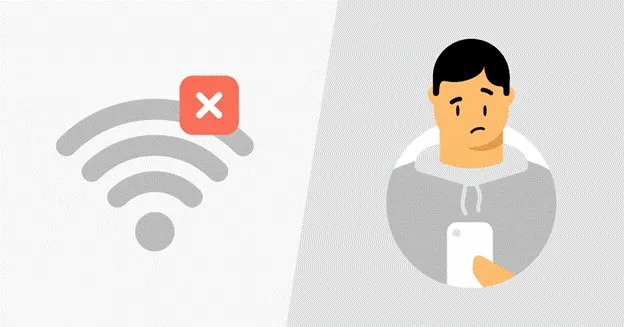
Public Wi-Fi is incredibly convenient, yet it’s basically a playground for data interception. You might think you’re just browsing the news, but the network administrator, or a hacker lurking on the same connection, can potentially see unencrypted traffic. Even if you’re cautious, sharing an IP address with dozens of strangers can inadvertently flag your accounts for suspicious activity. Have you ever been locked out of a banking app just because you logged in from a weird location? It’s incredibly frustrating.
A solid workaround is using a VPN with dedicated IP. Instead of getting lumped into a pool of random users where someone else’s sketchy browsing could get the shared IP blacklisted, you get a consistent, secure tunnel that belongs only to you. It keeps your data locked down without triggering endless CAPTCHA challenges every time you try to buy concert tickets or log into your work email.
Cellular Data and the Illusion of Privacy
So, you switch off Wi-Fi and rely entirely on your carrier’s 4G or 5G. Safe, right? Not exactly. While cellular networks are generally harder to intercept locally than an unsecured router at an airport, your internet service provider still tracks nearly everything you do. They log the sites you visit, the time you spend on them, and your physical location throughout the day.

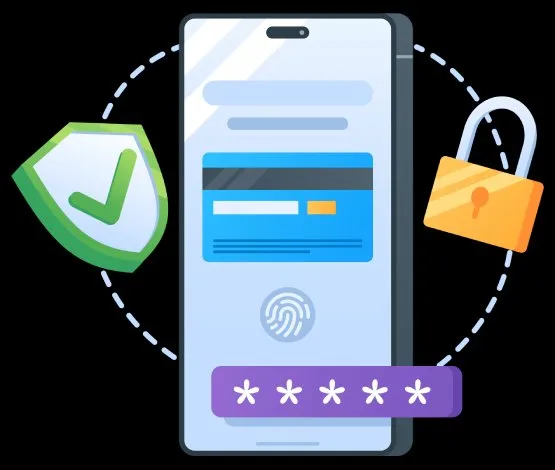
This data is often bundled up and sold to advertisers or third-party brokers. It feels a bit invasive, doesn’t it? Your phone acts as a persistent beacon, broadcasting your daily routine to entities that profit from your habits. Furthermore, malicious actors can use cell site simulators, which are often called Stingrays, to trick your phone into connecting to a fake tower, intercepting texts and calls in the process.
Simple Steps to Lock Down Your Device

You don’t need to toss your smartphone into the nearest river to reclaim your privacy. A few minor adjustments make a massive difference. Start by turning off auto-connect features for Wi-Fi and Bluetooth. If your phone isn’t constantly searching for familiar networks, it’s much harder for retail trackers to map your movements through a mall. Next, audit your app permissions. Does that generic calculator app really need access to your precise GPS coordinates? Probably not.
Take a Few Extra Seconds
Treat your digital connection like a physical conversation. If you wouldn’t shout your passwords across a crowded room, don’t send them over an unprotected network. Taking a few extra seconds to secure your connection ensures your private life stays exactly that: private.