When it comes to digital art and creativity, having the right tool can make all the difference in bringing your artistic vision to life. In this landscape, CapCut stands out as a real game-changer. In this blog post, We will walk about some of CapCut’s key features and capabilities. I’ll show you just how powerful this creative suite is for making eye-catching graphics, editing videos, and adding special effects.
We’ll undertand CapCut’s advanced, yet user-friendly video editing tools that give you precise control over every element in your videos. We’ll also check out how the software makes it easy to enhance your images with customizable filters, graphics, and more. By the end of this guide, you’ll understand why CapCut is becoming the go-to creative platform for so many digital artists and content creators. Its versatile toolset can help bring your creative visions to vivid life.
1. Online Video Editor: Unleashing Creativity
Online Video Editor in CapCut creative suite stands as the cornerstone of its creative suite, offering a lightweight yet powerful platform for creators. The intuitive interface welcomes both beginners and seasoned editors, making video editing a seamless experience. From basic trims to advanced keyframe animations, this online video editor caters to a spectrum of editing needs.
The feature-rich editor allows users to explore video effects, filters, and a vast library of stock videos, ensuring that your visual narrative is not only engaging but also visually stunning. CapCut’s commitment to quality is evident in its video upscaler and stabilization tools, perfect for enhancing the overall video quality.
As you go on your creative journey, the online video editor becomes a canvas where your ideas come to life. The simplicity of the interface, combined with the advanced features, makes CapCut’s video editor a go-to tool for creators across the spectrum.
2. Online Image Editor: Elevating Visual Storytelling
Beyond video editing, CapCut’s creative suite extends its capabilities to image enhancement. The Online Image Editor is a hidden gem, allowing users to transform and enhance images effortlessly. The image upscaler ensures that your visuals retain clarity even after resizing, while the color correction and background remover tools add a touch of professional finesse.
For portrait enthusiasts, the AI portrait generator is a delightful addition, offering a unique way to craft artistic portraits with just a few clicks. Whether you’re a photographer, graphic designer, or social media enthusiast, the image editor in CapCut provides the tools needed to elevate your visual storytelling.
3. Templates Without Watermark
One of the standout features of CapCut’s creative suite is its extensive collection of templates. These templates serve as a creative playground for both personal and commercial use, and the best part is that there are no watermarks. CapCut understands the importance of a clean, professional finish to your creations.
From business-oriented templates for advertisements to lifestyle-focused templates like birthday videos and sports highlights, there’s a template for every occasion. The convenience of starting with a template and infusing it with your unique touch accelerates the creative process, making it accessible for creators of all levels.
4. Smart Tools: Where Magic Meets Efficiency
The CapCut’s creative suite commitment to innovation is evident in its smart tools. The suite comes equipped with an image upscaler, allowing you to enhance the resolution of your images without compromising quality. The color correction tool lets you fine-tune the hues, ensuring that your visuals are vibrant and true to your creative vision.
For those exploring the world of AI, CapCut’s AI portrait generator and background remover are true marvels. They simplify complex tasks, enabling even beginners to achieve professional-looking results. The incorporation of these smart tools speaks volumes about CapCut’s dedication to empowering creators with cutting-edge technology.
5. Creative Cloud and Team Collaboration: Unifying Creativity
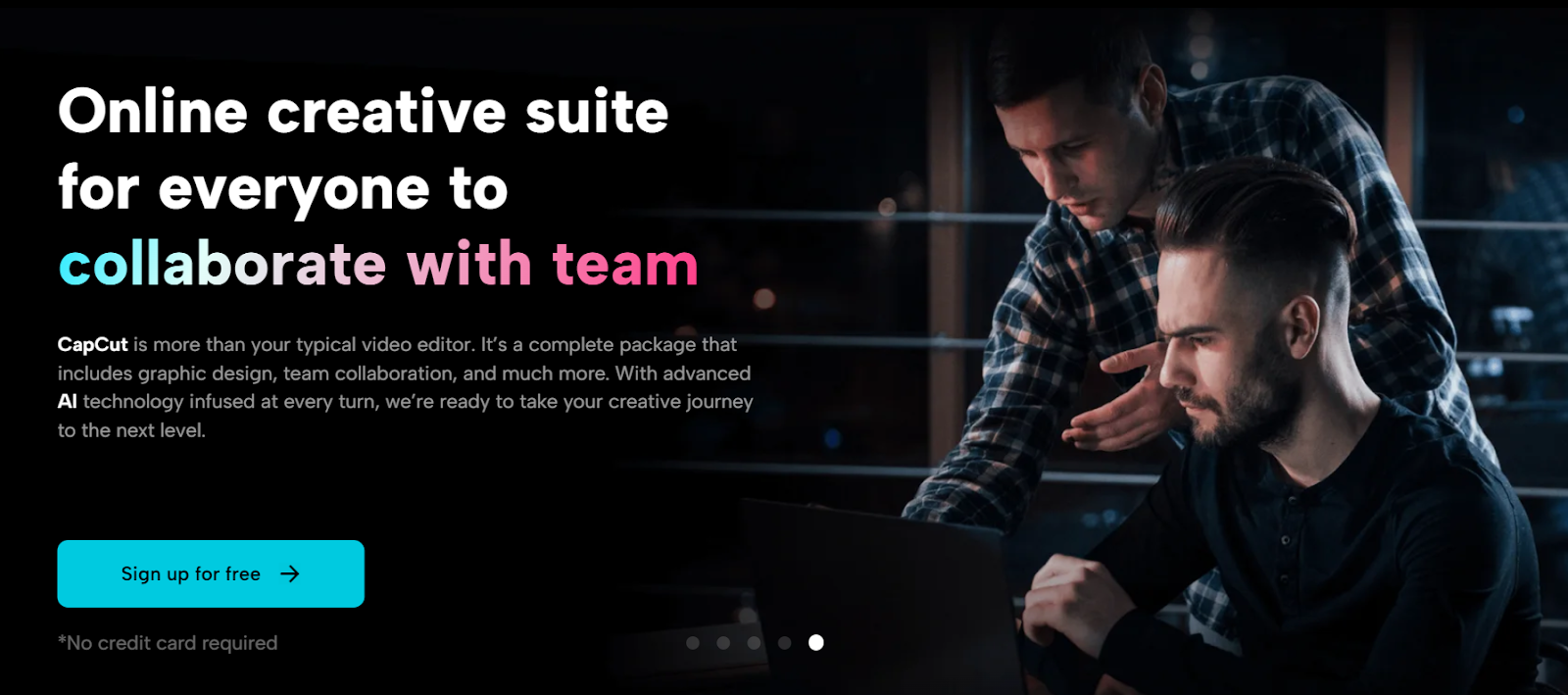
CapCut recognizes that creativity often thrives in collaborative environments. The inclusion of Creative Cloud and team collaboration features amplifies the capabilities of the CapCut creative suite. Team management tools allow creators to invite collaborators, assign roles, and work seamlessly on projects.
Cloud backup ensures that your creative endeavors are secure and accessible anytime, anywhere. Whether you’re a solo creator or part of a team, CapCut’s commitment to fostering collaboration makes it a standout choice in the competitive landscape of creative suites.
Free Online Video Compressor Tool: Enhancing Accessibility
While crafting visual masterpieces, file size can become a concern, especially when sharing content online. To complement CapCut’s offerings, consider integrating a free online video compressor tool. This additional tool ensures that your videos maintain quality while being optimized for sharing on various platforms.
CapCut offers user-friendly interfaces and powerful compression algorithms. By seamlessly integrating a video compressor with CapCut’s Creative Suite, you ensure that your creations reach your audience without compromising on quality, even in low-bandwidth scenarios.
Enhancing Creativity with Additional Features
CapCut’s creative suite commitment to excellence doesn’t stop at the core features of its creative suite. Additional features like a voice changer, video translator, and transitions add layers to your creative expression. These features provide creators with the flexibility to experiment with different styles and tones, making every piece a unique masterpiece.
Conclusion
In the realm of content creation, CapCut’s creative suite stands as a testament to innovation, accessibility, and collaboration. Whether you’re a solo creator looking to enhance your social media presence or a part of a team working on commercial projects, CapCut’s comprehensive suite of tools empowers you to craft visual masterpieces effortlessly.
From the seamless online video editor to the AI-infused image enhancements, from versatile templates to smart tools, and the collaborative power of Creative Cloud—CapCut’s creative suite is a holistic solution for creators of all kinds. As you embark on your creative journey, remember that the pursuit of excellence is made more enjoyable with tools designed to amplify your imagination.
With CapCut’s creative suite, the world of digital creativity becomes your canvas, and every creation is a masterpiece waiting to be crafted. Start your journey today, and let your imagination run wild with the endless possibilities that CapCut’s creative suite brings to your fingertips.