MobileMall BlogMobileMall BlogMobileMall Blog
  • #Explore
  • Business
  • Technology
    • Gaming
    • Headphones
    • Laptops
    • Mobile Accessories
    • Home Networking
    • PCs
    • Printers
    • Smart Watches
    • Speakers
    • Tablets
    • Wearables
    • Smart Office
  • Security
  • Buying Guides
  • Contribute
Reading: Moisture Detected on Samsung? Causes, Safe Fixes & When to Repair
Share
Font ResizerAa
MobileMall BlogMobileMall Blog
Font ResizerAa
  • #Explore
  • Business
  • Technology
  • Security
  • Buying Guides
  • Contribute
  • #Explore
  • Business
  • Technology
    • Gaming
    • Headphones
    • Laptops
    • Mobile Accessories
    • Home Networking
    • PCs
    • Printers
    • Smart Watches
    • Speakers
    • Tablets
    • Wearables
    • Smart Office
  • Security
  • Buying Guides
  • Contribute
2025 © Mobilemall. All Rights Reserved.
Home » Blog » Moisture Detected on Samsung? Causes, Safe Fixes & When to Repair
Samsung

Moisture Detected on Samsung? Causes, Safe Fixes & When to Repair

Cody Gipson (Phone Repair Expert)
Last updated: November 11, 2025 9:22 am
Cody Gipson (Phone Repair Expert)
Share
Moisture Detected on Samsung
SHARE

Contents

  1. What’s Really Causing This
  2. Getting Your Phone Working Again
  3. When DIY Stops Working
  4. Keeping This From Happening Again
  5. Bottom Line
Add MobileMall Blog as a preferred source on Google

Your Samsung phone just threw up the “Moisture Detected” warning and now it won’t charge. Great.

This isn’t just your phone being dramatic—there’s actually water or humidity stuck in the charging port, and Samsung built this alert to stop your device from frying itself. The sensor kicks in when it detects moisture and blocks charging completely to prevent short circuits.

You’re probably wondering how this even happened. Could’ve been anything: dropping it near the sink, using it while cooking (steam counts), getting caught in rain, or just living somewhere humid where moisture creeps into everything.

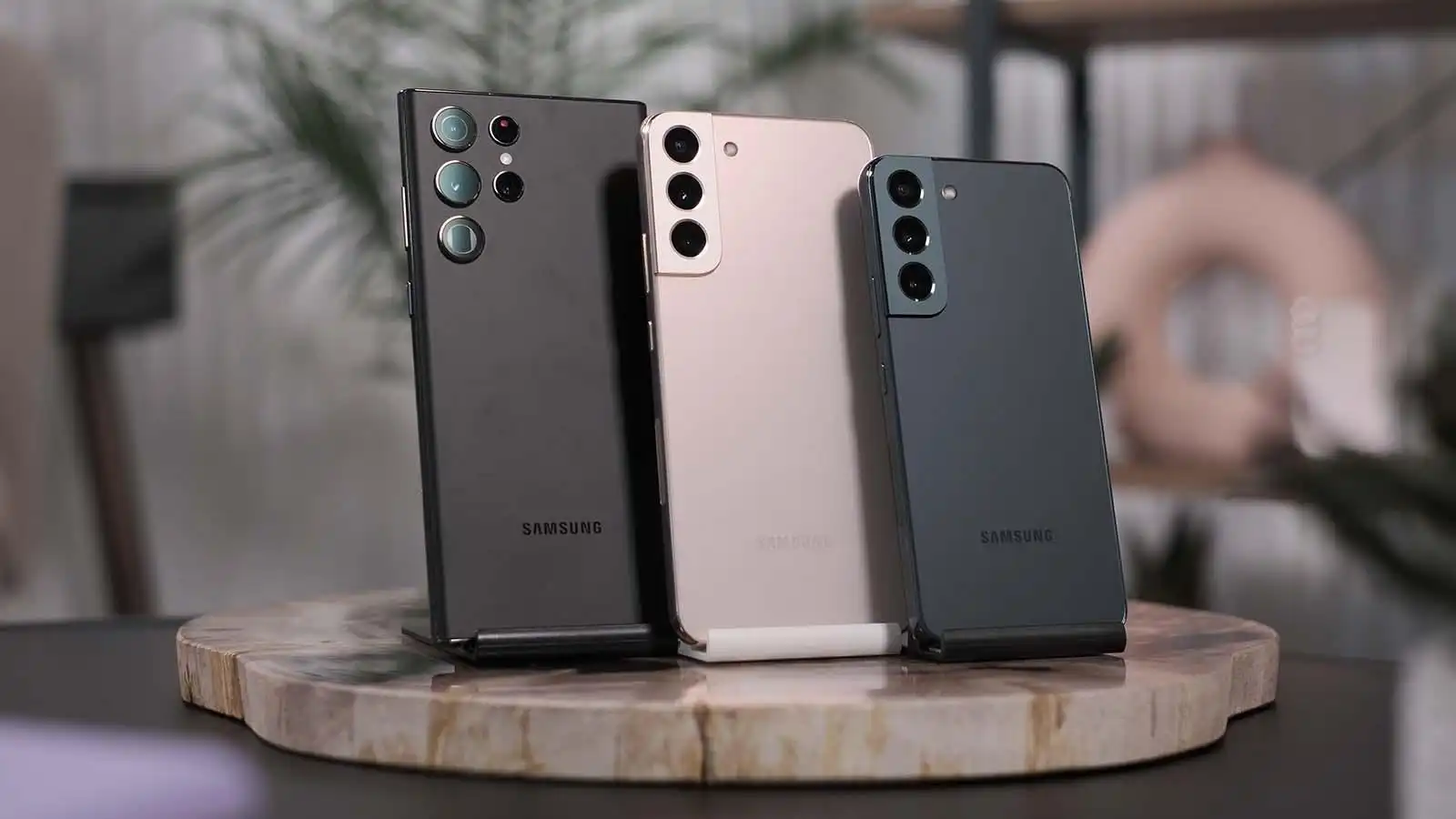
Samsung phones like Galaxy S24/25 have IP67 or IP68 water resistance, which sounds impressive until you realize it’s not actually waterproof. Those seals weaken over time too, so what used to bounce off water might not anymore.

What’s Really Causing This

Water in the port is obvious, but humidity alone can trigger it. Even tiny amounts of condensation will set off that sensor. Sometimes the port itself gets damaged—cracks or corrosion can make the phone think there’s moisture when there isn’t.

Your charging cable might be the problem too. Wet cables send weird signals. Or it could be a software glitch making your phone paranoid about water that doesn’t exist.

Getting Your Phone Working Again

Turn the phone upside down and give it a gentle shake. Water might just fall out. Wipe around the port with something soft and lint-free, but don’t go jamming anything inside there. Air drying works if you’re patient. Find somewhere with good airflow—near a fan helps, but keep the phone away from direct heat. Hair dryers will cook your phone.

Here’s something that actually works better than rice: silica gel packets. Toss your phone in a sealed bag with a few packets for several hours. They suck moisture out way more effectively. Check your charging cable while you wait. Dry it off completely and make sure both ends are bone dry before plugging anything in.

Try wireless charging if your phone supports it. The port might be blocked but wireless still works. Sometimes restarting in safe mode helps figure out if this is a software problem pretending to be hardware.

When DIY Stops Working

If you’re still seeing that warning after 24 hours, something’s actually wrong. Maybe there’s corrosion you can’t see, or the moisture sensor got damaged, or water made it deeper into the phone than you thought.

Don’t keep trying home fixes at this point—you might make things worse. Professional repair shops can actually open the device safely, clean everything properly, and replace parts if needed.

Signs you need help: the warning won’t go away, you can see discoloration in the port, wireless charging stopped working too, or your phone keeps throwing false alarms when it’s definitely dry.

Keeping This From Happening Again

Stop charging your phone in bathrooms and kitchens. Steam is sneaky. Keep it away from rain and humid air when possible. Stick with original Samsung chargers—they’re built to work with your phone’s safety systems.

Clean your charging port occasionally with a dry brush. And if you live somewhere humid, a decent waterproof case isn’t a bad investment.

Bottom Line

The moisture warning exists for a reason—ignoring it can kill your phone permanently. Quick home fixes work for simple cases, but persistent problems need professional attention.

Thanks to the wegowefix.com phone repair in miami, repair specialists who provided technical insights for this guide—their expertise helped identify the most effective solutions for stubborn moisture detection issues.
Samsung Galaxy S20 Series To Get One UI 5.1 Update
Samsung Internet beta adds protection against Back button hijacking
Samsung starts teasing its wider foldable, and this time it’s barely hidden
Samsung Galaxy A73, A53, A33, and A23 specs leak
Samsung Galaxy Z Flip 7 Colors and Storage Leak

Sign Up For Daily Newsletter

Be keep up! Get the latest breaking news delivered straight to your inbox.
[mc4wp_form]
By signing up, you agree to our Terms of Use and acknowledge the data practices in our Privacy Policy. You may unsubscribe at any time.
Share This Article
Facebook Copy Link Print
Share
Previous Article Ghost Touch on Your Phone Screen? Fixes for iPhone Ghost Touch on Your Phone Screen? Fixes for iPhone
Next Article iPhone 17 Air cases Fresh Leaks on iPhone 17 Series Cases Drop Just Before the Big September 9 Reveal

Latest News

Infinix HOT 70 Pro 5G launched in India.
Infinix Hot 70 Pro Goes On Sale In India From Rs 22,999
Phone Launch
POVA 8 Pro 5G Tonino Lamborghini Limited Edition
Tecno Pova 8 Pro Tonino Lamborghini Phone Looks Different But Runs The Same Hardware
Phone Launch
The Xiaomi 18 Fold
Xiaomi’s New Folding Phone Is Out On 7 September, And It Runs Xiaomi’s Own Chip
Data Science Phone Launch
Mivi One 5G
Mivi’s First Phone Arrives This Month In India
Phone Launch
Empty racetrack at dusk under editorial cover typography reading replay
Del Mar Horse Racing on Your Phone: Three Apps That Actually Work After the Telegram Links Stopped
Apps
Older Filipina woman squinting at a phone held at arm's length in bright afternoon light
Your Tita Switched to Bingo on Her Phone During Lockdown. The Screen Has Been Giving Her a Headache Ever Since.
Smartphone
One UI 9 Beta For S25
Samsung Starts Testing Android 17 On The Galaxy S25 and Last Year’s Foldables
News Samsung
John Ternus Apple CEO
Apple Has a New CEO Today: John Ternus Replaces Tim Cook
Apple Tech News

You Might also Like

Galaxy S22 Series
NewsSamsung

Samsung will release OneUI 5 and Android 13 to S22 Series this October

Anxious Holly (I Love Samsung)
2 Min Read
AndroidSamsung

Samsung Galaxy M51 is now receiving One UI 3.1 update based on Android 11

Anxious Holly (I Love Samsung)
2 Min Read
Samsung Galaxy M04 Geekbench
Samsung

Samsung Galaxy M04 appears on Geekbench With Helio G35 Chipset

Anxious Holly (I Love Samsung)
1 Min Read

About us

Mobilemall.co blog is an informative and engaging platform that offers readers the latest news and insights on mobile phones and accessories. The blog covers a wide range of topics, including product reviews, industry trends, and tips on how to get the most out of your mobile device.

Contact Us:
[email protected]

Categories Link

  • Business
  • Mobile
  • Technology
  • Gaming
  • Phone Review
  • Android

Must Read

Tongits Go
Tongits Go: Everything You Need to Know Before Playing
Gaming
Top Five Resorts with Casinos in the Philippines
Top Five Resorts with Casinos in the Philippines You Need to Know About
Entertainment

Quick Links

  • Privacy Policy
  • Tech Write For Us
  • Contact Us
  • Facebook
  • Instagram
  • YouTube
  • LinkedIn
2026 © Mobilemall. All Rights Reserved.
Go to mobile version
Welcome Back!

Sign in to your account

Username or Email Address
Password

Lost your password?

Not a member? Sign Up