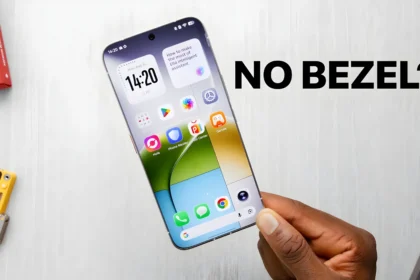

Samsung’s rolling out One UI 8—built on Android 16—to the Galaxy S23 lineup. Started in South Korea, now hitting devices across multiple continents.
What’s Getting Updated
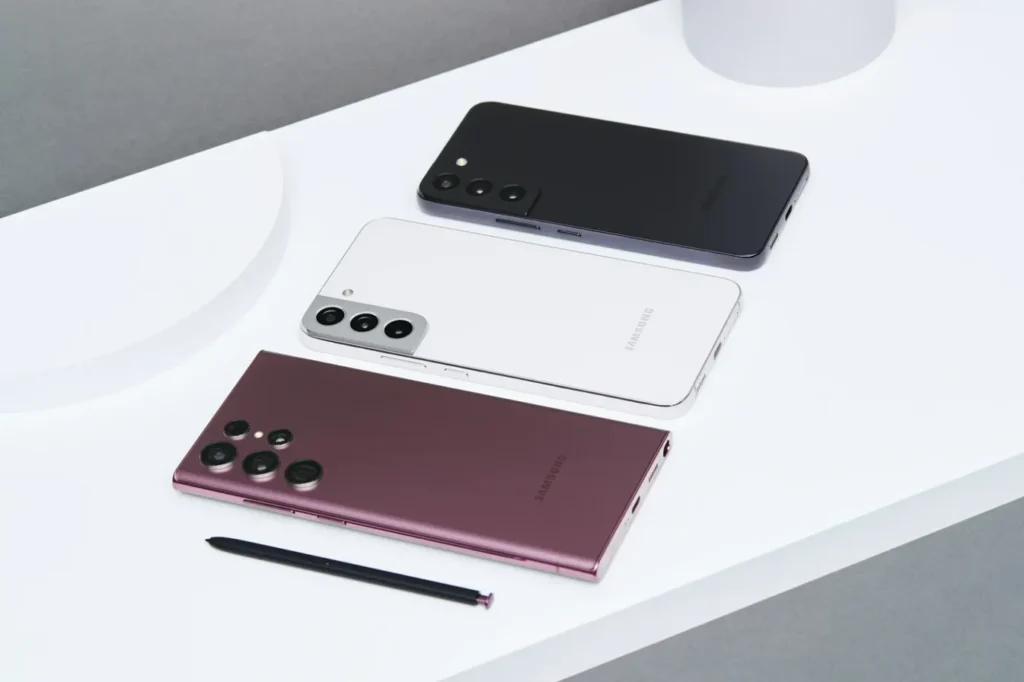
The entire S23 family:
- S23
- S23 Plus
- S23 Ultra
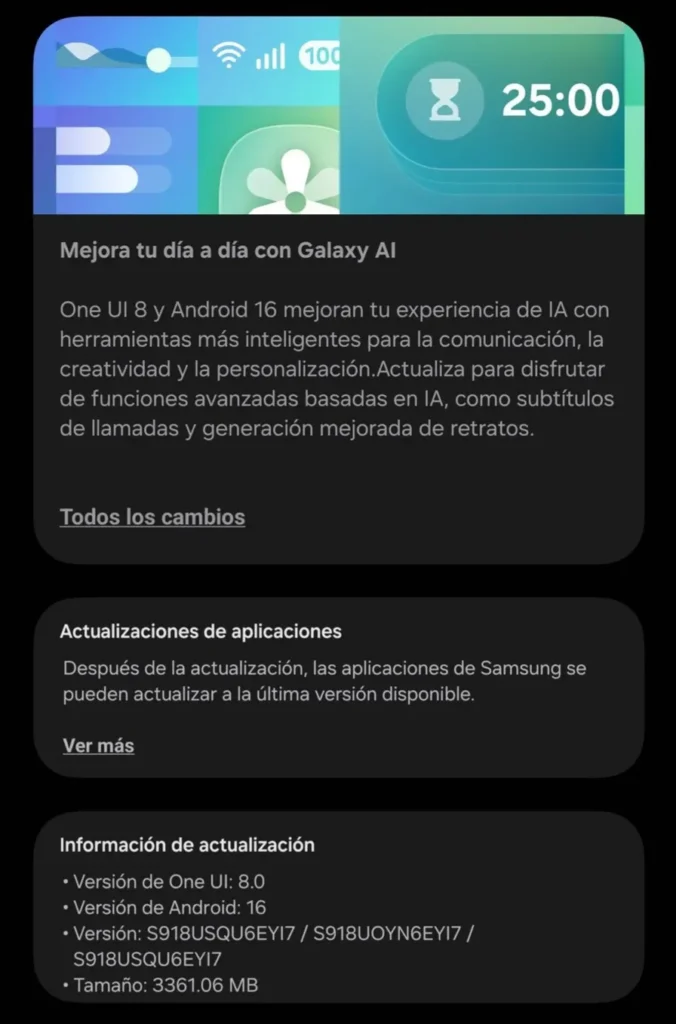
Samsung released the update for all three at once. No waiting around if you’ve got the Plus instead of the Ultra, or vice versa.
Finding the Update on Your Phone
Pull up Settings, find “Software Update,” hit “Check for Update.” Simple enough.
But here’s the thing—just because the update exists doesn’t mean it’s on your phone yet. Samsung doesn’t flip a switch and send updates to millions of devices simultaneously. They start small, watch for problems, then gradually expand. So if you check and see nothing? Totally normal. Try again in a few days.
Where It’s Available Right Now
People in these countries are reporting the update:
- Australia
- Egypt
- France
- Germany
- Malaysia
- Spain
- Turkey
- Ukraine
Notice Pakistan isn’t on that list. The update will get there, but Samsung hasn’t said when. Could be days, could be weeks. Regional rollouts are unpredictable like that.
If you’re somewhere else entirely and don’t see it—same deal. Your region’s turn is coming.
What You’re Actually Installing
This isn’t some minor bug fix. One UI 8 is a complete overhaul of the operating system.
Android 16 forms the base. That’s Google’s newest Android version with all the underlying improvements to security, performance, and core functionality. Then Samsung wraps its One UI 8 skin over the top, which changes how everything looks and adds Samsung-specific features.
The interface gets reworked. Menus look different. Certain animations change. The whole visual language shifts. After this update, your phone won’t just act different—it’ll look different too.
September’s security patch comes bundled in. Fixes vulnerabilities, patches exploits, the usual security maintenance. Staying current with security patches matters more than most people realize.
The Download Itself
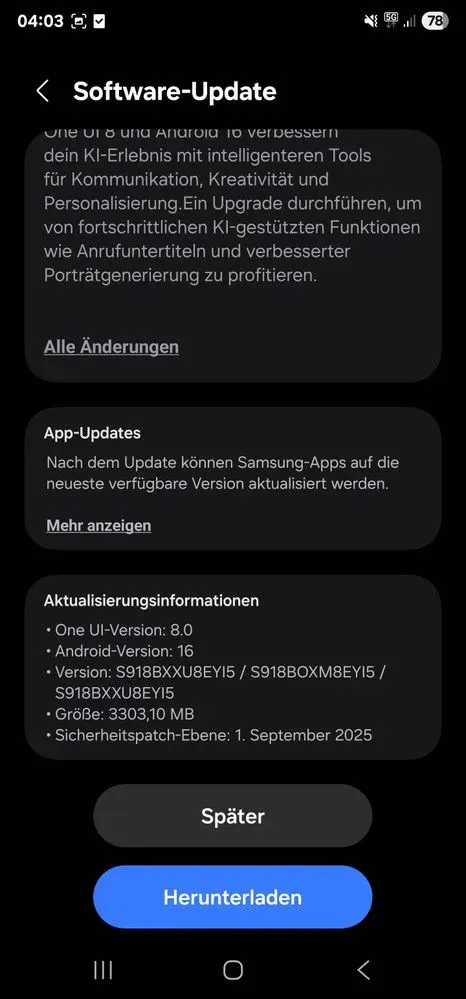
3.3GB for the S23 Ultra. Huge compared to regular monthly patches that usually clock in under half a gig.
Why so big? Because you’re essentially installing a new operating system, not tweaking the existing one. All those system files need replacing.
The firmware code shows as S91xBXXU8EYI5 on the Ultra. You might see something slightly different depending on your exact model and where you bought it. Samsung uses these codes to track which firmware goes on which device.
S23 and S23 Plus downloads might be marginally smaller—maybe 2.8 or 3GB—but the difference won’t be dramatic. All three phones get the same features and changes.
What Actually Changes
DeX Gets Rebuilt
Samsung DeX—the feature that gives you a desktop interface when you plug into a monitor—now runs on Android 16’s native desktop mode. Google improved desktop functionality at the OS level, and Samsung took advantage. Should mean smoother performance, better window handling, apps that work more reliably in desktop mode.
Tougher Secure Folder
Secure Folder, where you stash private apps and files behind encryption, gets “fortified.” Samsung’s vague about specifics, but that suggests stronger encryption and better isolation from the rest of the system. Your locked stuff stays locked more securely.
Browser Redesign
Samsung Internet, the built-in browser, looks different now. New tab interface, reorganized menus, possibly some new privacy tools. Samsung updates this browser frequently anyway, but tying major redesigns to OS updates ensures everything integrates properly.
Quick Share Tweaks
Quick Share—Samsung’s answer to AirDrop—has a modified menu. Maybe cleaner layout, maybe new sharing options. The changelog doesn’t get specific, so you’ll just notice things aren’t where they used to be when you share files.
Before You Hit Download
Read through the full changelog first. Samsung lists every change, every known bug, everything you need to know. Skipping this is asking for surprises you might not want.
You can’t undo this. Once One UI 8 installs, that’s it. No going back to One UI 7 or whatever you’re running now. Samsung doesn’t let consumers roll back firmware. If bugs pop up or you hate the new interface? Tough luck. You’re riding this out until Samsung patches things.
Some apps will probably break. Not permanently, usually, but major Android updates often cause temporary issues with apps that haven’t been updated to account for the new OS. Banking apps are notorious for this. Older apps that developers abandoned years ago might never work again. Most stuff gets fixed within days or weeks as developers catch up.
Installation takes 10-20 minutes and requires a reboot. Don’t interrupt it halfway through. Let it finish. Your phone restarts automatically when it’s done.
What’s Next
More Galaxy devices get One UI 8 throughout this month. S23 isn’t the only lineup on the schedule. S22 phones should get it soon. Various A-series models are queued up. Foldables like Z Fold 5 and Z Flip 5 are coming.
Samsung updates newest flagships first, then works backward. If you’re using an older Galaxy, you’re waiting longer.
For S23 owners in regions still waiting—just keep checking periodically. It’ll show up when it shows up. Samsung’s staged rollouts mean some people wait weeks longer than others for no particular reason except that’s how rollouts work.