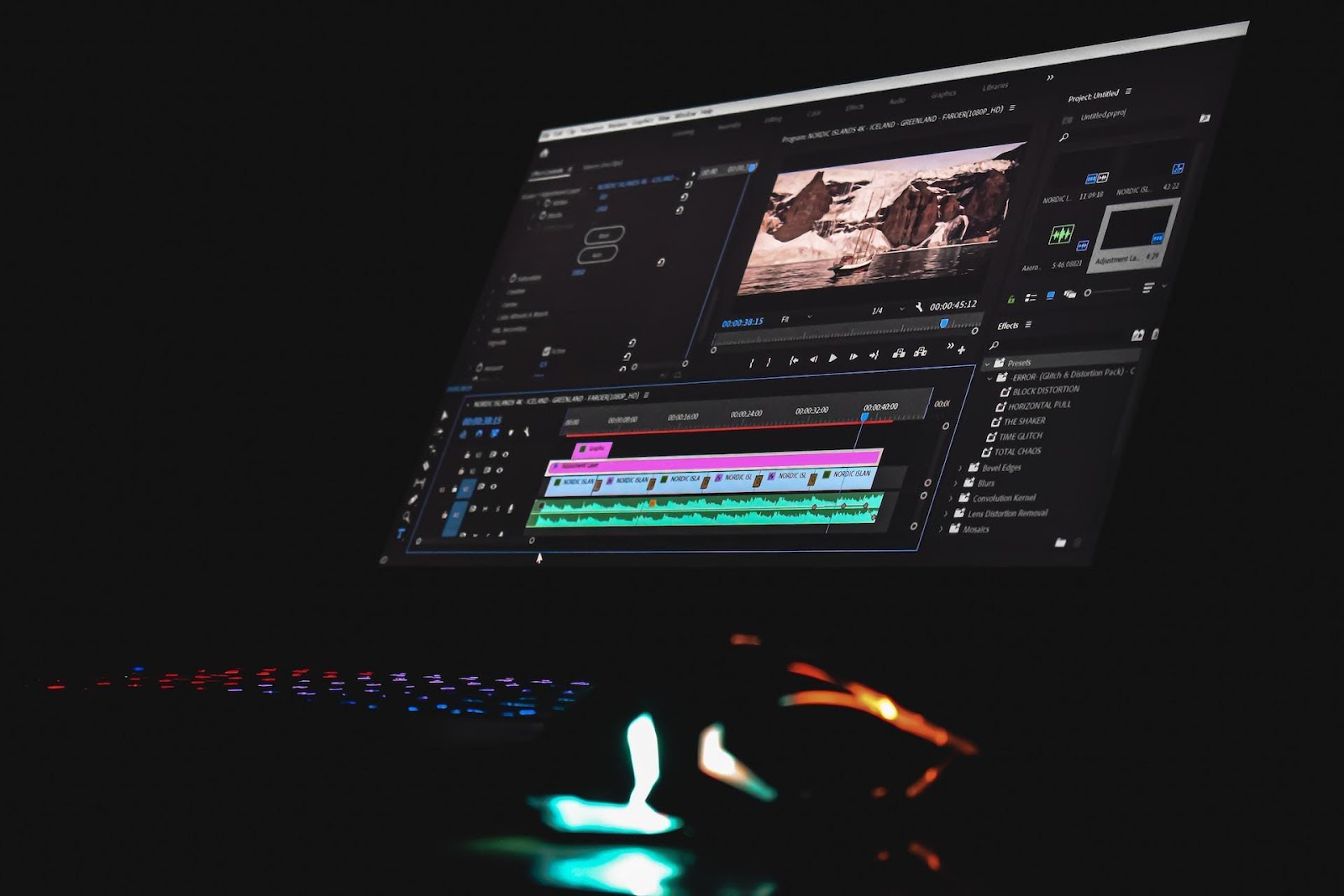
They are software applications that you download and install on your computer. They are designed for larger tasks and provide greater customization. These applications tend to be faster and more reliable even with larger files and often include additional services like editing and batch converting. Since everything is kept on your computer, they’re much safer for your videos—there is no risk of uploading sensitive materials to the cloud.
But there are negative sides. Need to be downloaded and installed, which may not be feasible for old laptops and tablets. They could be difficult for older generations, and the most useful tools are typically behind paid subscriptions after a free trial.
When Offline Converters Shine
- Big Batch Jobs: Tools such as HandBrake make it straightforward to tackle bulk conversion tasks, such as changing the format of an entire collection of home videos.
- Fine-Tuning Control: Modifying the codec, bitrate, and frame rate of 4K clips streamlining their appearance is exemplary of fine-tuning control.
- High-Quality Edits: Editing prior to conversion is effective for projects such as wedding videos, ensuring the final product is polished and professional.
- Privacy First: Storing files on local drives is essential when dealing with sensitive personal footage.
What Are Online Video Converters?
Online converters are tools available as websites and accessed through a browser. Their popularity stems from the lack of any software installation since all that is needed is to upload the video. Online converters are intuitive, many are available at no cost, and they support an extensive range of formats, which is attractive to novice users. These tools are invaluable on-the-go; for instance, while traveling, if you need to convert an MXF file to an MP4, they’re convenient and don’t take up storage on your device.
The main drawback is that they are bound to your internet connectivity. Slow internet or a crashed server at the wrong time can be a real hindrance, especially for large files. Uploading private videos is a security risk since they’re sent to a third party’s system.
When Online Converters Work Best
- Fast Fixes: While traveling, transforming a video snippet into a shareable format is effortless.
- No Setup Needed: Use a friend’s computer for last-minute errands, and it’s seamlessly convenient.
- Easy for Newbies: Just drag and drop for file conversion—no tech savvy needed.
- Basic Changes: MXF to MP4 adjustments and others made without deep diving into options.
Key Differences Between Online and Offline Video Converters
The hybrid distinction focuses on functionality, per each category. Offline video converters, unlike online and requiring web access, are only computer-hosted, thus private and powerful, but often require a setup and sometimes payment. Online video converters grant instant access but are limited by the complexity of the task at hand.
- Installation: Offline requires software such as Any Video Converter to be installed; online only requires a browser.
- Speed and Stability: Offline’s speed for large files is increased and stable as it is running locally, while online speed is restricted by internet availability and the server’s current uptime.
- Features: Tools available for offline video converters include editing, batch processing, and 4K while online are restricted to simple conversions.
- Security: Offline private users maintain confidentiality of submitted files while uploading documents to untrusted sites online exposes users to privacy risks.,
- Cost: Offline often has paid upgrades such as the pro version of Freemake Video Converter while online video converters are unrestricted but sometimes limited by capped features.
- Examples: Offline might use HandBrake to convert a 2-hour 4K film with custom settings, while online tools like Convertio can quickly change a 5-minute clip on the fly.
Benefits of Each
- Offline Benefits: No quality compromise, inaccessible to the internet, secure for confidential videos, and ideal for large projects. Each detail for a client’s wedding footage could be adjusted offline with AVS Video Converter by a video editor in Manchester.
- Online Benefits: No downloads, works from any location with internet, complimentary for small projects, low difficulty, and intuitive for novices. An individual could modify a travel video from Edinburgh without any downloads during a traveling break.
Best Video Converters to Try
Here are some of the listed recommendations, breaking them down with their respective names and details for the audience to select from.
- HandBrake: Excellently processes any file to mp4 and mkv for handbrake users running on mac, windows and linux. To add onto the already stated benefits, the software is open-source and free.
- Any Video Converter: Great for windows users in need for a quick file conversion. AVS is windows-exclusive and provides editing as well as batch options, making it easier to handle high-definition files.
- AVS Video Converter: Great for beginners using windows, freemake video converter is free with a watermark but features file conversion to over 500 formats and DVD burning.
- Freemake Video Converter: Free with a watermark, converts to over 500 formats, and supports DVD burning. Great for beginners on Windows.
- Online-Convert: does not require downloads. Users can upload files of small sizes for free and work on mp4 and avi files, making it simple to use on the move.
- Convertio: Another online option, easy to use with a drag-and-drop setup. Good for quick jobs but limits big files unless you pay.
Which One Should You Pick?
Everything stems from what you’re doing. If you’re working on something more complex, such as editing a collection of family videos, or want to ensure privacy, use offline tools like HandBrake or AVS Video Converter. Online alternatives like Online-Convert and Convertio work best for small tweaks or when you’re traveling.
Your priorities also matter, for example, small vs large files, security vs ease of use, or paying vs free tools. In any case, the videos will be converted to the right format for enjoyment on any device. Select the best tool for the task, and your work will be effortless.