MobileMall BlogMobileMall BlogMobileMall Blog
  • #Explore
  • Business
  • Technology
    • Gaming
    • Headphones
    • Laptops
    • Mobile Accessories
    • Home Networking
    • PCs
    • Printers
    • Smart Watches
    • Speakers
    • Streaming Devices
    • Tablets
    • Wearables
    • Smart Office
  • Security
  • Buying Guides
  • Contribute
Reading: 5 Reasons You Probably Need A VPN For Your Phone
Share
Font ResizerAa
MobileMall BlogMobileMall Blog
Font ResizerAa
  • #Explore
  • Business
  • Technology
  • Security
  • Buying Guides
  • Contribute
  • #Explore
  • Business
  • Technology
    • Gaming
    • Headphones
    • Laptops
    • Mobile Accessories
    • Home Networking
    • PCs
    • Printers
    • Smart Watches
    • Speakers
    • Streaming Devices
    • Tablets
    • Wearables
    • Smart Office
  • Security
  • Buying Guides
  • Contribute
2025 © Mobilemall. All Rights Reserved.
Home » Blog » 5 Reasons You Probably Need A VPN For Your Phone
Phone ReviewTech Lifestyle

5 Reasons You Probably Need A VPN For Your Phone

Liron Segev (Tech Geek)
Last updated: May 10, 2023 9:51 am
Liron Segev (Tech Geek)
Share
Need A VPN For Your Phone
SHARE

Contents

  1. 1. Unblock Geo Blocked Content
  2. 2. Bypass Work’s Security
  3. 3. Hide Browsing Activity From Your ISP
  4. 4. Hide Public IP Addresses From The Sites That You Visit 
  5. 5. Security and Privacy on Public Wifi 
    1. In Summary 

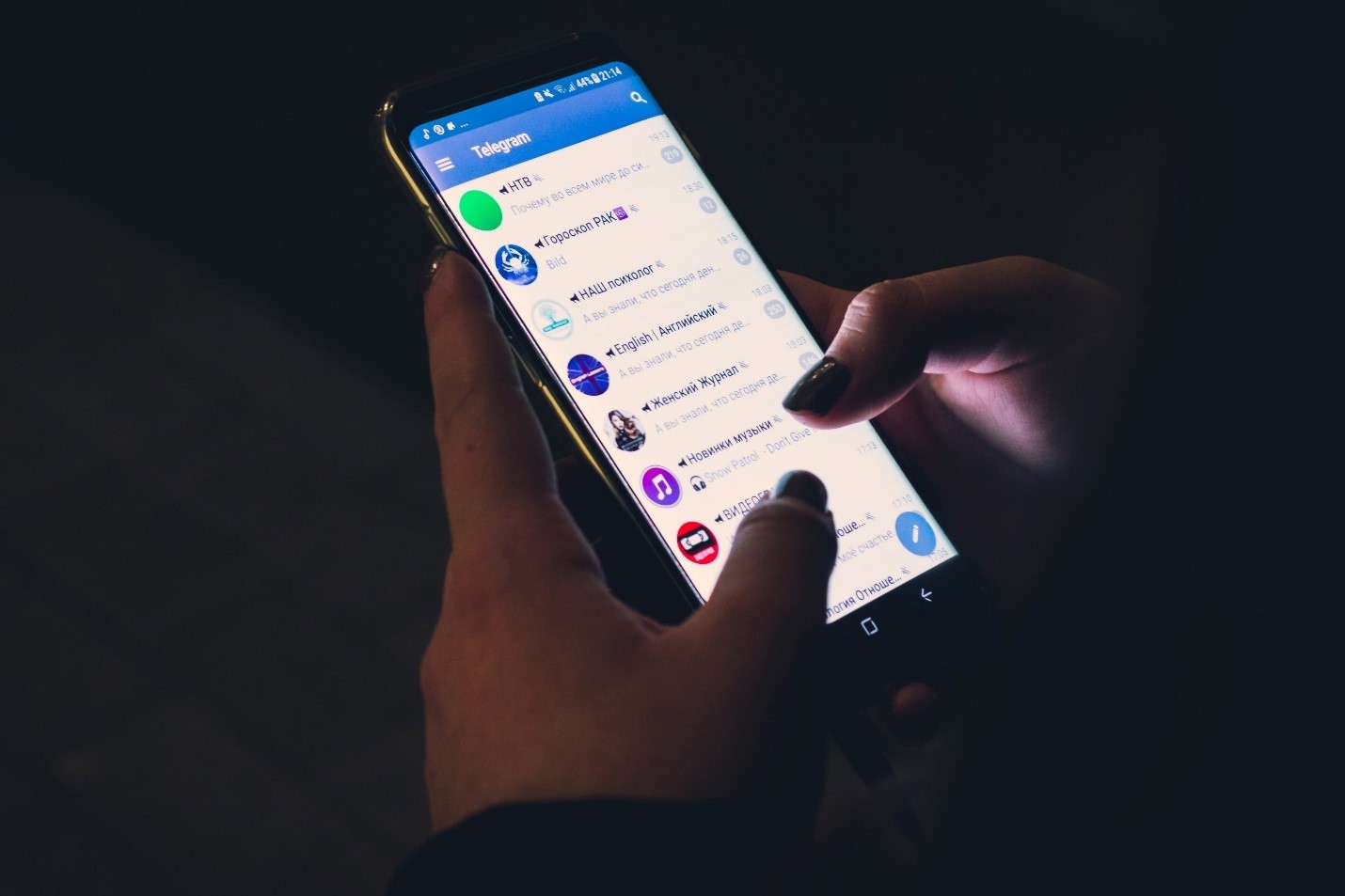
VPNs are exploding in popularity as people all over the world realize their benefits. Something many don’t know is that mobile devices account for between 55% – 80% of VPN use depending on who you ask. On average people spend more time browsing the internet, watching movies and scrolling through social media on Android and iOS than they do on Windows and Mac. It makes a lot of sense to safeguard your privacy and unlock a world of content on your phone too. Let’s take a look at 5 reasons you probably need a VPN for your phone.  

1. Unblock Geo Blocked Content

VPNs or virtual private networks let us trick sites and services into thinking that we are accessing them from a different country to the one we live in. Why would you want to do this? Well, there’s a lot of movies, TV shows, crypto exchanges, websites and software which are blocked in some countries.

US Netflix has 100s of titles that aren’t available overseas.

The UK has SkySports, a streaming service with 11 channels and solid coverage of cricket, football, rugby, F1, Boxing, MMA and more. Hulu is another popular US streaming service that comes bundled with Disney + and ESPN.

Unfortunately, this massive library of content has limited availability around the world. Rights holders restrict content to geographical areas, imaginary lines on the map and wonder why piracy exists. 

2. Bypass Work’s Security

Connecting to the WiFi at work can mean losing access to the “non-productive” sites and services. It’s not as common as it used to be, but there are still workplaces that block access to social media, video streaming sites, dating services, and online shopping.

Hey, boss man! We are adults. We can do our jobs and shop for a birthday present for our mothers on Amazon. To get around workplace censorship on the smaller, discrete phone screens, use a VPN. A VPN will route traffic through a server and hide the real intended destination. You’ll be watching YouTube on the toilet before you know it. 

3. Hide Browsing Activity From Your ISP

When you connect to the public internet via a VPN your ISP can’t see what sites you are visiting. All they know is that they are routing your traffic to a remote server, aka the VPN server. To understand how this works, you can think of a VPN as a mail forwarder. The client, installed on your computer, takes the letter continining your internet traffic and wraps it in another encrypted envelope, addressed to the VPN server. Once it arrives at the VPN server, this first encrypted envelope is opened and the traffic is forwarded on to its intended address. 

4. Hide Public IP Addresses From The Sites That You Visit 

The other privacy benefit to using a VPN is the site you’re visiting thinks that the query originated at the VPN server. The original envelope addressed to the VPN server from your phone or computer has been discarded severing the link back to your home computer. If you have some unsavory browsing habits, like to download the occasional torrent, or just don’t like the idea of people knowing that you’re on their site then a VPN is a no-brainer. It’s not enough to have that security on your computer. You need it on your phone too. You can click here to download surfshark android.

5. Security and Privacy on Public Wifi 

We connect to far more public WiFi networks on our phones than we do our laptops, and our desktops rarely leave the house if ever. It makes the most sense to ensure there’s an extra layer of encryption protecting us when we are on these shared networks. There’s readily available software that can listen to all communication on public WiFi networks. 

It’s true that the majority of the internet uses HTTPS and is therefore already encrypted. It’s estimated that upwards of 80% of sites have made the switch. But 80% isn’t 100%. If you’re recycling passwords and your internet banking password is exposed on a site with unsecure HTTP there’s a chance that could come back to bite you. A VPN forces encryption everywhere, protecting you on public WiFi.

In Summary 

There are numerous reasons to get a VPN on your phone. They aren’t just for computers. In fact there are more VPNs used on mobiles than their larger screen counterparts. With a VPN you can view content that’s blocked in your region, hide your browsing history from your ISP, and you get a security boost on public WiFi. Well worth the small monthly investment. 

Realme 9 Appears on Geekbench with Snapdragon 680
Huawei P50 Pro embraced by fans
Free Tablets for Seniors: Bridging the Digital Divide
Samsung Galaxy A13 Review – Entry Level A Series Phone
5 Appliances That Got Smarter Like Our Smartphones
TAGGED:Need A VPN For Your PhoneVPN For PhoneVPN For Your Phone

Sign Up For Daily Newsletter

Be keep up! Get the latest breaking news delivered straight to your inbox.
[mc4wp_form]
By signing up, you agree to our Terms of Use and acknowledge the data practices in our Privacy Policy. You may unsubscribe at any time.
Share This Article
Facebook Copy Link Print
Share
ByLiron Segev (Tech Geek)
Follow:
Liron Segev, also known as TheTechieGuy, is a tech expert who believes that technology should be simple and accessible to everyone. With a knack for breaking down complex topics into easy-to-understand terms, Liron has become a trusted source of information for tech enthusiasts and novices alike. Allowing readers to learn about topics like security issues (such as hacking, passwords, and scams), connectivity (including wifi, routers, mesh networks), and helpful tips and tricks for optimizing technology and achieving faster internet speeds.
Previous Article galaxy tab s8 price Samsung Galaxy Tab S8, S8+ & Ultra Price In USA, UK, Europe & Pakistan
Next Article Tips To Protect Sensitive Data Tips To Protect Sensitive Data

Latest News

Google Suspended a Railway's Account and an Entire Platform Went Dark
Google Suspended a Railway’s Account and an Entire Platform Went Dark – What It Teaches Us About Cloud Lock-in
Cloud Storage
Android 17 QPR1 Beta 4 Pixel update
Google rolls out Android 17 QPR1 Beta 4 to Pixel phones, but Pixel 6 and 6 Pro miss out
Google
YouTube in-app messaging
YouTube Brings Back In-App Messaging Six Years After Killing It
Social Media
agent deposit networks
How Peer-to-Peer Agent Deposit Systems Actually Work Behind the Screen
Tech Lifestyle
Apple Intelligence 12GB RAM Requirement
Apple’s Most Advanced On-Device AI Features Won’t Work on Every iPhone
Apple News
Apple's Foldable Iphone
iPhone Ultra Is Coming: The iOS 27 Code Makes That Pretty Clear
Apple Data Science News
cute-phone-cases
Cute Phone Cases That Stay Stylish and Durable Every Day (2026 Guide)
Accessories
samsung-galaxy-z-fold8-ultra
Samsung Z Fold8 Ultra Reportedly Jumps to 5,000mAh Battery — No Extra Weight
News Samsung

You Might also Like

Apple iPhone 13
ApplePhone Review

Apple iPhone 13 to feature FaceID chip twice as the one on iPhone 12 series

Carter (Apple Boy)
Carter (Apple Boy)
1 Min Read
doc to pdf
Tech Lifestyle

Best 3 ways to convert DOC to PDF

Jayshree Rajani Malhotra (Tech Lifestyle)
6 Min Read
How Professional Networking Actually Affects Your Career
Work Life

Effective Networking Techniques for Career Progress

Aaron Wittersheim
Aaron Wittersheim
13 Min Read

About us

Mobilemall.co blog is an informative and engaging platform that offers readers the latest news and insights on mobile phones and accessories. The blog covers a wide range of topics, including product reviews, industry trends, and tips on how to get the most out of your mobile device.

Contact Us:
[email protected]

Categories Link

  • Business
  • Mobile
  • Technology
  • Gaming
  • Phone Review
  • Android

Must Read

Global App Revenue Report
Global App Revenue Report  — Five Brands That Prove Where the Money Actually Went
Business
crypto-casinos
Crypto Casinos Pulled In $81 Billion Last Year, and That’s Five Times What They Made in 2022
Business Entertainment

Quick Links

  • Privacy Policy
  • Tech Write For Us
  • Contact Us
  • Facebook
  • Instagram
  • YouTube
  • LinkedIn
2026 © Mobilemall. All Rights Reserved.
Go to mobile version
Welcome Back!

Sign in to your account

Username or Email Address
Password

Lost your password?

Not a member? Sign Up