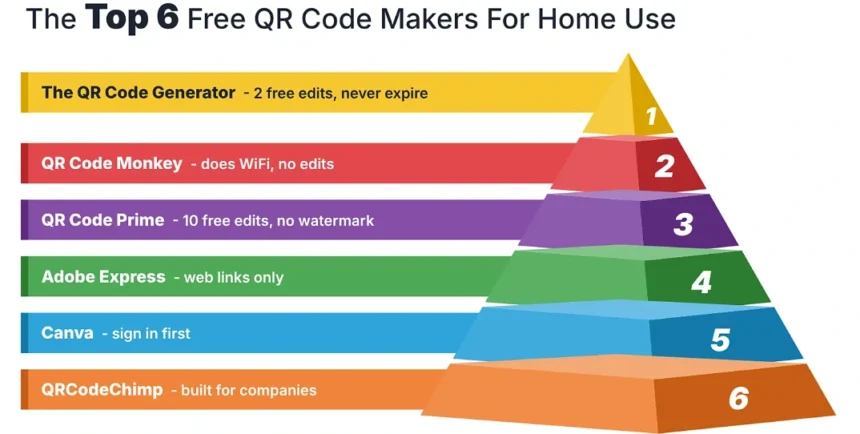
Six free QR code generators, one question put to each of them: will the code still work in three years if you’ve forgotten the site exists and never paid it a penny. The QR Code Generator came out first on that, given it offers unlimited static codes with no login plus two editable ones its own page says never expire. Granted, it has no WiFi option at all, so if the only code you were ever going to make is the one for the guest network on the fridge, skip down to Monkey or Prime. All six vendor pages were checked on 19 October 2026 and the table halfway down is what they said that day.
Personal use is the odd case in this market. Most of what these companies sell, bulk creation, an API, team seats, a custom domain, retargeting, is aimed at a marketing department. A private person will not open any of it once. What a household wants is simpler: a code that is free today, stays free, can be fixed when the album link moves, and covers the handful of things people actually print, a contact card, the WiFi, a phone number, a photo album, a social profile, now and then a document. Ranked on those, the order comes out different from the usual lists.
1. The QR Code Generator
Wins On Permanence, But Pauses On The WiFi Code
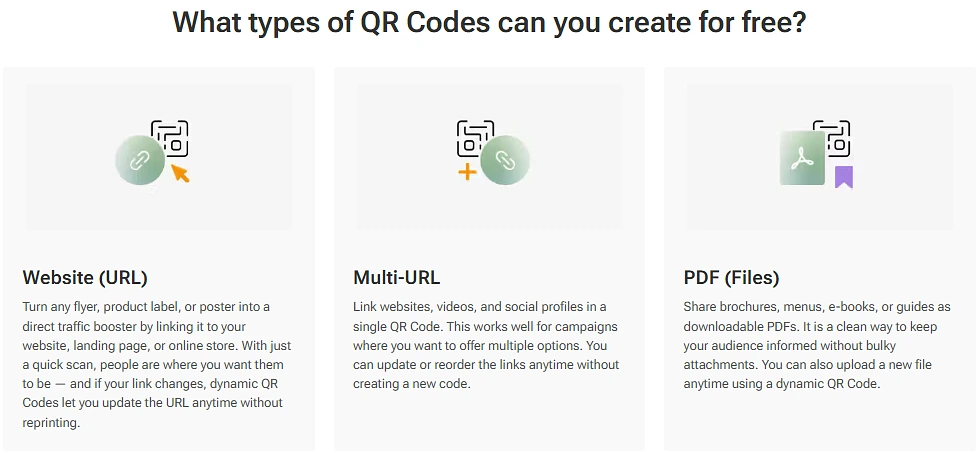
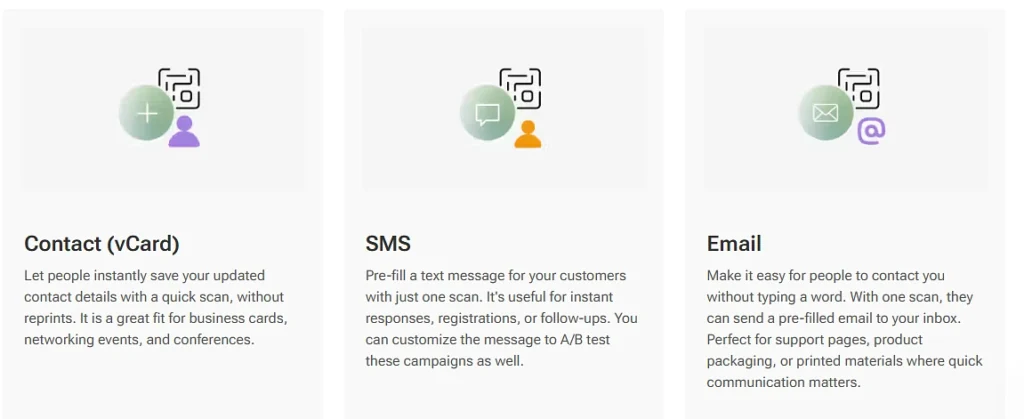
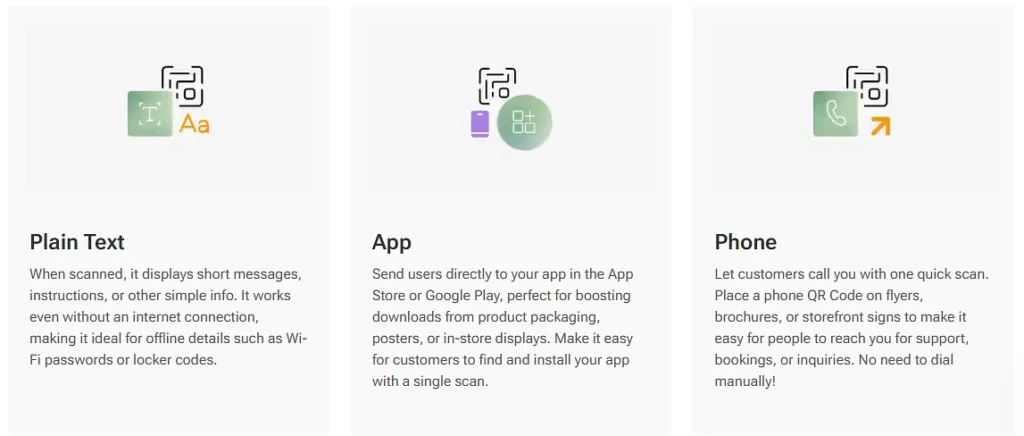
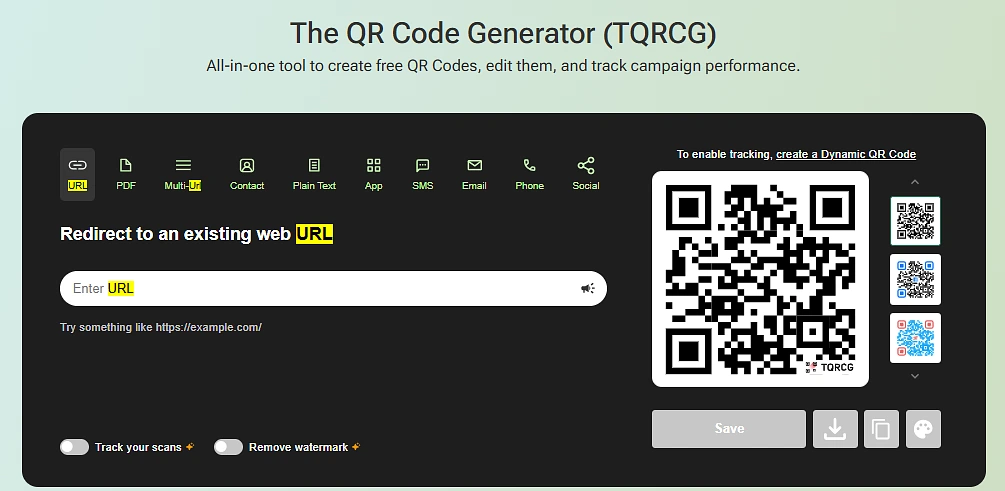
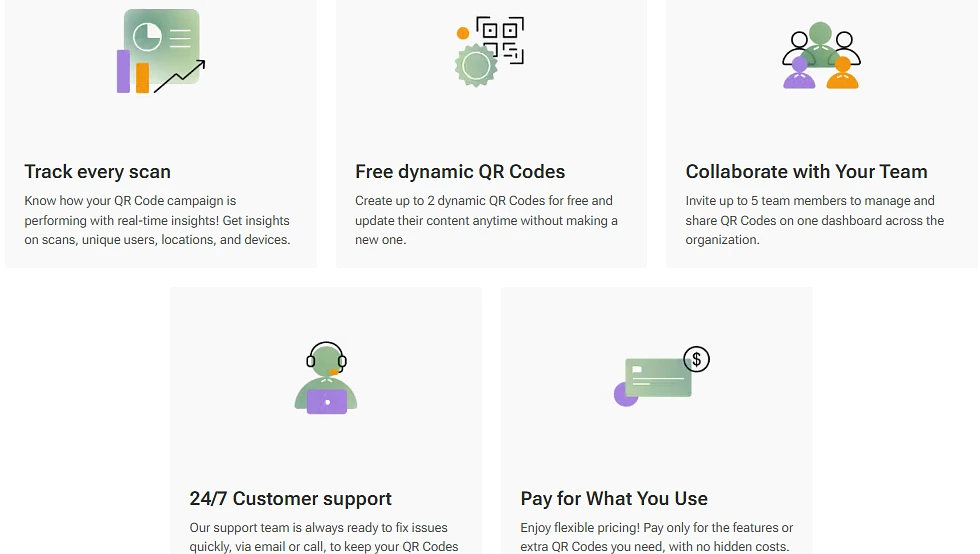
The QR Code Generator’s ten code types is free without an account, free for good once you do make one, and editable without paying, and of the six it’s the only one that can say all three at once, which for a household is pretty much the whole job. Static codes are unlimited and need no signup, with ten content types in the box: a web address, a document, a multi-link code, a contact card, plain text, an app listing, an SMS, an email, a phone number and a social profile. On the editable side it hands over two changeable codes for free with no card asked for, while its dynamic QR code page describes them as never expiring. No scan ceiling appears anywhere in the free terms either, which counts for more than it sounds, as a code on a wedding card or a for-sale board gets scanned far more than anyone planned.
Now the catch, and for this audience it’s a big one. There’s simply no WiFi type on it. The site does have a page for one, or had, because going there gets you a missing page, and back in the generator itself the ten tabs don’t include it either, so the most common private code of the lot, the home network password, can’t be made here at all, which is a bit odd for the one in first place when the two below it both manage it without any fuss. The other catch is the mark: free downloads carry a watermark, while a free editable code shows an advert before it sends the phone on. Removing both costs $5 a month billed yearly for five editable codes, which is more codes and more money than a household has any use for.
2. QRCode Monkey
Monkey Does The WiFi Code The Leader Can’t, Then Can’t Change Anything
QR Code Monkey’s content list reads like a list of errands rather than a marketing brief. Fourteen entries, among them WiFi credentials, a contact card as vCard or MeCard, a map pin, a calendar entry, a Bitcoin address of all things, plus the usual web, text, email, phone and messaging types. No registration is asked for and no watermark goes on. Files come out as PNG, SVG, PDF or EPS, with a note that gradients won’t survive the two vector formats, and even the lower quality setting gives a thousand pixels square, plenty for a fridge door.
The trade, of course, is that all of its codes are static, so a mistyped password means a fresh code and a fresh print, and no scan ever gets counted along the way. One more thing before you start clicking about: the panel labelled Statistics and Editability looks like a switch and, as it turns out, isn’t one, it’s an advert for a separate paid product. Harmless enough, provided you know that going in.
3. QR Code Prime
Prime Gives Away Ten Editable Codes And Asks For Nothing Back
Had the leader not got the stronger document and app support, QR Code Prime would be sitting at the top, and for a fair few households it should be anyway. Twelve content types cover the house well, WiFi, contacts, map locations, WhatsApp threads, video and music links among them. Static codes can be made and saved without logging in, as PNG, SVG or PDF, and no tier of it, free included, puts a mark on the image.
Then there’s the editable side, where it turns generous. Ten changeable codes, free for life by its wording, no expiry, no advert on the redirect, no card. Each one reports scan counts, rough location and device type at no charge. Compared with two codes and a watermark on the leader, that’s the better deal for anyone who wants a handful of editable codes and clean artwork, and this ranking would be dishonest if it didn’t say so.
4. Adobe Express
Makes A URL Code And That Is The Entire List
You type a web address and press download, and honestly Adobe’s own page describes it in about those words, so there isn’t much to add. Output is PNG, JPEG or PDF, colours and styling can be changed, the page commits in writing to codes that never expire. Should you be making an invitation or a card inside Express anyway, the code drops straight into the template, which saves a step.
Where it falls down is on breadth, because a URL is the only input it will accept, so a contact card, a WiFi password, a phone number or a document are all out, and as there’s no editable option either, a wrong link means a new code. It’ll do for one link on one greeting card and not for much beyond that.
5. Canva
Wants You Signed In And Inside A Design Before It Makes A Code
Canva only makes sense if you’re already in Canva building the thing the code is going on. Static codes get identical capability on the free and paid plans, per its support docs, reached through the Apps panel or the Elements tab, with foreground, background and margin adjustable. Editable codes exist now too, something a lot of the competing roundups haven’t caught up with yet.
Most of what makes an editable code worth having is paid, though. Reporting, your own logo, pattern and corner styles, an expiry date, letting someone else edit, each is marked Business, Enterprise or Nonprofit, and getting the Canva mark off the artwork needs one of those as well. Then there’s the route to it: sign in, open a design, find the app. Three of the tools above ask for no account whatsoever, so being made to open a design in order to produce one black and white square is a strange place to begin.
6. QRCodeChimp
Chimp Has Collar Tags And A Scan Meter, Which Tells You Who It Was Built For
QRCodeChimp was built for organisations and the pricing shape gives that away. Ten editable codes are free, matching Prime, except the free account shares a single allowance of 1,000 scans a month across all of them, images are capped at 1024 pixels and attachments at 2 MB. Past that it’s $6.99 a month on annual billing. Its catalogue of code types runs to dozens, well beyond the rest, and two of them, pet collar tags and emergency medical IDs, do belong on a household list. The remainder are for companies, and picking from dozens takes longer than picking from ten, hence last place rather than no place.
The Six Compared, As Their Own Pages Read On 19 October
| Tool | Account needed | WiFi type | Free editable codes | Watermark on free |
| The QR Code Generator | No, for static | No | 2, stated never to expire | Yes |
| QR Code Monkey | No | Yes | None, static only | No |
| QR Code Prime | No, for static | Yes | 10, free for life | No |
| Adobe Express | Not stated | No | None, static only | Not stated |
| Canva | Yes | No | Yes, features gated by plan | Removed on paid plans |
| QRCodeChimp | Yes | Not stated | 10 | Not stated |
Which Code Goes On What, And Whether It Should Be Static Or Editable
One question decides it: can the destination change? A static code holds its content in the printed squares themselves, as the published symbology spec sets out, with no server behind it, no account owning it and no company able to go bust and take it along. The one thing it can’t do, ever, is take a correction. An editable code is a redirect on somebody’s server that you repoint whenever you like, and the price of that is dependence, because it works for as long as the provider does. Count how many of your destinations actually move and, more often than not, you’ll find it’s one.
- The guest WiFi: Monkey or Prime, static, as a password shouldn’t rely on anyone’s server. Print it small and leave it where guests look
- A contact card: static. The vCard resolves on the scanning phone with no connection needed, so it works in a basement or on a train, and your name isn’t about to change
- A wedding or party album link: editable, the clearest case for it there is. Album hosts get swapped and the printed card outlives your first choice of where the photos live. It can be repointed to a thank-you page once the day has passed, too
- A phone number on a noticeboard: static, with no page or app standing between a stranger and your phone
- A resume or portfolio: editable, since the destination moves more often than the document does and a dead link on a resume is worse than none
- A for-sale sign or room-to-let notice: editable, with the address printed in plain text underneath, so when the listing comes down the code can say so instead of breaking
Getting It To Scan Takes Four Checks And One Printed Test
Say the first one you make is the WiFi code for the fridge. The fridge is small, so you print the code small, and from the kitchen door the phone won’t pick it up, which is the size problem: a tenth of the reading distance is about the minimum, two or three centimetres for arm’s length and a good deal bigger for anything read across a room. So you make it bigger, and now it doesn’t fit the label, so you trim the white margin off, and that is the border problem, the code looks perfect and reads as nothing, because the margin is part of the code as far as the phone is concerned.
Then somebody decides white squares on a black magnet would look smarter, and that is the contrast problem, since a fair number of phones won’t read an inverted code at all. Then the family crest goes in the middle. How big can that be? DENSO WAVE, who invented the thing, built four levels of damage tolerance into it, from about a fourteenth of the data at the lowest to about a third at the highest, so a small mark in the centre is well inside even the lowest level, and a big one isn’t. All of which is why the printed test matters more than any of the settings: print it, stick it where it’s going, and scan it from where people will actually stand, with an iPhone and an Android, built-in camera, no app.
A Sticker Over Your Code Is The One Risk A Private Code Shares With A Parking Meter
A code on a for-sale sign stands in the front garden for weeks, and for most of that time no one is watching it, which puts it in roughly the position of a parking meter, except the meter has money behind it.
The FBI’s Internet Crime Complaint Center has a public warning out on what happens to meters: someone pastes their own code over the real one, and whoever scans it lands on a page built to collect card details or a login. Your sign is a far less tempting target, true, but the trick costs the person a sticker, so it does get tried on anything left out long enough, and the only way you’d know is to walk past and scan it yourself now and then. Should it turn out to have been covered over, this is where the static-or-editable choice from earlier comes back round: an editable code you repoint within minutes and the sign stays up, whereas a static one means a new print and a trip to the garden.
For most households, then, the sensible mix is static for nearly all of it, one editable code for the album, and the WiFi one made somewhere other than the winner.