MobileMall BlogMobileMall BlogMobileMall Blog
  • #Explore
  • Business
  • Technology
    • Gaming
    • Headphones
    • Laptops
    • Mobile Accessories
    • Home Networking
    • PCs
    • Printers
    • Smart Watches
    • Speakers
    • Streaming Devices
    • Tablets
    • Wearables
    • Smart Office
  • Security
  • Buying Guides
  • Contribute
Reading: Why Your Phone’s Connection Might Be Putting You at Risk
Share
Font ResizerAa
MobileMall BlogMobileMall Blog
Font ResizerAa
  • #Explore
  • Business
  • Technology
  • Security
  • Buying Guides
  • Contribute
  • #Explore
  • Business
  • Technology
    • Gaming
    • Headphones
    • Laptops
    • Mobile Accessories
    • Home Networking
    • PCs
    • Printers
    • Smart Watches
    • Speakers
    • Streaming Devices
    • Tablets
    • Wearables
    • Smart Office
  • Security
  • Buying Guides
  • Contribute
2025 © Mobilemall. All Rights Reserved.
Home » Blog » Why Your Phone’s Connection Might Be Putting You at Risk
Cyber Security

Why Your Phone’s Connection Might Be Putting You at Risk

Miller (AI & Cyber Security Guy)
Last updated: March 28, 2026 7:10 am
Miller (AI & Cyber Security Guy)
Share
Mobile connection security
SHARE

Contents

  1. Coffee Shops Are Not Safe
  2. Cellular Data and the Illusion of Privacy
  3. Simple Steps to Lock Down Your Device
  4. Take a Few Extra Seconds

We tap, we swipe, we connect. Most of us rarely give a second thought to the invisible signals bridging our smartphones to the rest of the web. You grab a coffee, hit “agree” on the cafe’s splash screen, and immediately start checking bank balances or firing off work emails. But that seamless convenience masks a pretty glaring vulnerability. Your phone is essentially shouting your digital habits into a crowded room, hoping nobody malicious is listening. We carry these devices everywhere, treating them like trusted confidants, yet the networks they rely on are often anything but secure.

Coffee Shops Are Not Safe

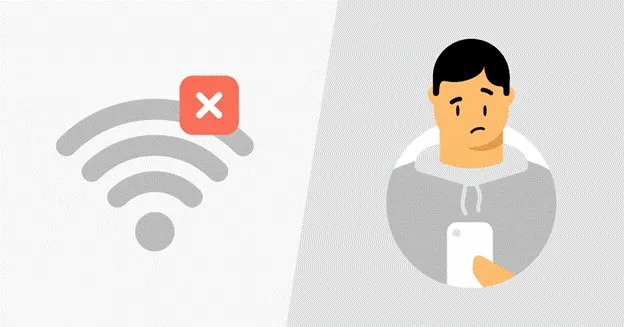
Public Wi-Fi is incredibly convenient, yet it’s basically a playground for data interception. You might think you’re just browsing the news, but the network administrator, or a hacker lurking on the same connection, can potentially see unencrypted traffic. Even if you’re cautious, sharing an IP address with dozens of strangers can inadvertently flag your accounts for suspicious activity. Have you ever been locked out of a banking app just because you logged in from a weird location? It’s incredibly frustrating.
Coffee Shops Are Not Safe

A solid workaround is using a VPN with dedicated IP. Instead of getting lumped into a pool of random users where someone else’s sketchy browsing could get the shared IP blacklisted, you get a consistent, secure tunnel that belongs only to you. It keeps your data locked down without triggering endless CAPTCHA challenges every time you try to buy concert tickets or log into your work email.

Cellular Data and the Illusion of Privacy

So, you switch off Wi-Fi and rely entirely on your carrier’s 4G or 5G. Safe, right? Not exactly. While cellular networks are generally harder to intercept locally than an unsecured router at an airport, your internet service provider still tracks nearly everything you do. They log the sites you visit, the time you spend on them, and your physical location throughout the day.
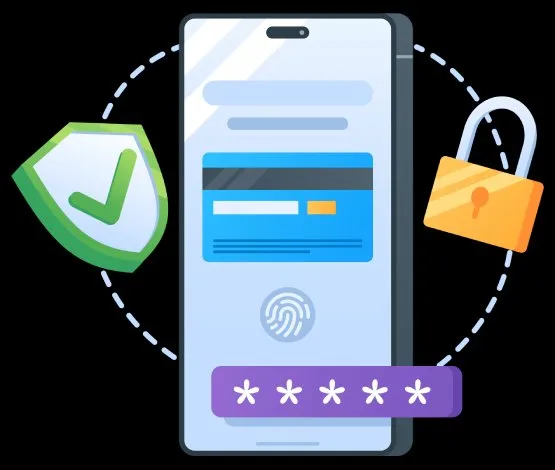
Security isn't boring it's survival

This data is often bundled up and sold to advertisers or third-party brokers. It feels a bit invasive, doesn’t it? Your phone acts as a persistent beacon, broadcasting your daily routine to entities that profit from your habits. Furthermore, malicious actors can use cell site simulators, which are often called Stingrays, to trick your phone into connecting to a fake tower, intercepting texts and calls in the process.

Simple Steps to Lock Down Your Device
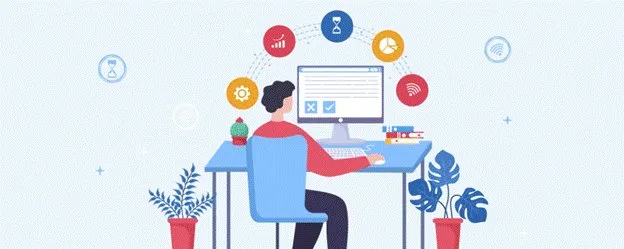
Simple Steps to Lock Down Your Device

You don’t need to toss your smartphone into the nearest river to reclaim your privacy. A few minor adjustments make a massive difference. Start by turning off auto-connect features for Wi-Fi and Bluetooth. If your phone isn’t constantly searching for familiar networks, it’s much harder for retail trackers to map your movements through a mall. Next, audit your app permissions. Does that generic calculator app really need access to your precise GPS coordinates? Probably not.

Take a Few Extra Seconds

Treat your digital connection like a physical conversation. If you wouldn’t shout your passwords across a crowded room, don’t send them over an unprotected network. Taking a few extra seconds to secure your connection ensures your private life stays exactly that: private.

Crypto in Your Pocket – Easy & Fast Mobile Transactions
Best Proxy Server Providers for Telegram Compared
5 Smartphone Security Traps You Fall For Daily — And Quick Fixes
Online Sign-Ups: How a Temporary Number Protects Your Privacy
7 Quick Tips To Strengthen Your Android Phone Security 

Sign Up For Daily Newsletter

Be keep up! Get the latest breaking news delivered straight to your inbox.
[mc4wp_form]
By signing up, you agree to our Terms of Use and acknowledge the data practices in our Privacy Policy. You may unsubscribe at any time.
Share This Article
Facebook Copy Link Print
Share
ByMiller (AI & Cyber Security Guy)
Follow:
Mike Miller, a cybersecurity and AI expert with over 10 years of experience in the field. I have a proven track record of helping companies strengthen their security posture by identifying and addressing vulnerabilities in their networks and systems. I have a deep understanding of AI and its applications. Part time writing at Mobilemall Blog.
Previous Article App localization compliance USA How App Localization Supports U.S. Regulatory and Compliance Expectations
Next Article 5 Portable Entertainment Products Announced for 2026 5 Portable Entertainment Products Announced for 2026 That Are Actually Coming

Latest News

Google Suspended a Railway's Account and an Entire Platform Went Dark
Google Suspended a Railway’s Account and an Entire Platform Went Dark – What It Teaches Us About Cloud Lock-in
Cloud Storage
Android 17 QPR1 Beta 4 Pixel update
Google rolls out Android 17 QPR1 Beta 4 to Pixel phones, but Pixel 6 and 6 Pro miss out
Google
YouTube in-app messaging
YouTube Brings Back In-App Messaging Six Years After Killing It
Social Media
agent deposit networks
How Peer-to-Peer Agent Deposit Systems Actually Work Behind the Screen
Tech Lifestyle
Apple Intelligence 12GB RAM Requirement
Apple’s Most Advanced On-Device AI Features Won’t Work on Every iPhone
Apple News
Apple's Foldable Iphone
iPhone Ultra Is Coming: The iOS 27 Code Makes That Pretty Clear
Apple Data Science News
cute-phone-cases
Cute Phone Cases That Stay Stylish and Durable Every Day (2026 Guide)
Accessories
samsung-galaxy-z-fold8-ultra
Samsung Z Fold8 Ultra Reportedly Jumps to 5,000mAh Battery — No Extra Weight
News Samsung

You Might also Like

Protect your Apps
AndroidCyber Security

Privacy Features of Infinix HOT 60 Series

Mohammad Ahsan
Mohammad Ahsan
1 Min Read
Power of Surveillance: Unveiling the Secrets of Surveillance Apps
Cyber Security

Power of Surveillance: Unveiling the Secrets of Surveillance Apps

Miller (AI & Cyber Security Guy)
10 Min Read
Secure Remote Work on Mac
Cyber SecurityTechnology

Secure Remote Work on Your Mac: Essential Tools for 2025

Miller (AI & Cyber Security Guy)
5 Min Read

About us

Mobilemall.co blog is an informative and engaging platform that offers readers the latest news and insights on mobile phones and accessories. The blog covers a wide range of topics, including product reviews, industry trends, and tips on how to get the most out of your mobile device.

Contact Us:
[email protected]

Categories Link

  • Business
  • Mobile
  • Technology
  • Gaming
  • Phone Review
  • Android

Must Read

Global App Revenue Report
Global App Revenue Report  — Five Brands That Prove Where the Money Actually Went
Business
crypto-casinos
Crypto Casinos Pulled In $81 Billion Last Year, and That’s Five Times What They Made in 2022
Business Entertainment

Quick Links

  • Privacy Policy
  • Tech Write For Us
  • Contact Us
  • Facebook
  • Instagram
  • YouTube
  • LinkedIn
2026 © Mobilemall. All Rights Reserved.
Go to mobile version
Welcome Back!

Sign in to your account

Username or Email Address
Password

Lost your password?

Not a member? Sign Up