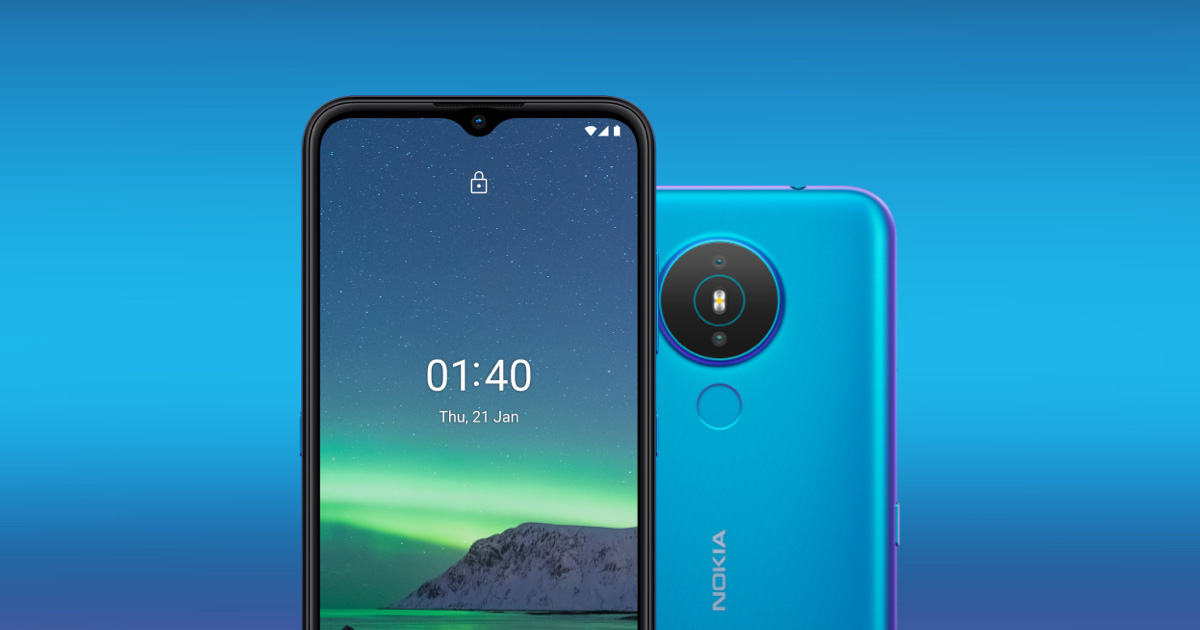
With the Xiaomi Black Screen of Death, your phone turns on but stays black. You may sense vibration or hear sounds but see nothing. Due to frequent system changes, Xiaomi, Redmi, and POCO phones have this issue. Sometimes updates don’t finish properly.
There are two main cases. One screen is active but black. The other phone appears dead and unresponsive. This issue is usually caused by software, not faulty parts. In many cases, you can repair Android without losing data. Let’s see how to fix Xiaomi stuck on fastboot or black screen of death in this article.
What Is the Xiaomi Black Screen of Death?
Xiaomi Black Screen of Death occurs when the phone system runs, but the screen is blank. Software in the phone fails to load the display. The phone may work in the background but not be visible.
Vibrating, receiving calls, or notification sounds on a black screen are symptoms. Some users experience this after MIUI or HyperOS updates. A dark screen prevents the phone from reaching the home screen.
This usually indicates a system crash or file error. The screen or motherboard may not be broken immediately and software repair typically works.
Common Causes of Xiaomi Black Screen of Death
Let’s figure out why the problem exists. Here are common causes of Xiaomi Black Screen of Death:
Failed MIUI or HyperOS Update
Update failure is a major cause. Low power, insufficient internet, or a sudden restart may prevent system files from installing. This may damage the display. As a result, the phone turns on but displays nothing.
System Cache or Firmware Corruption
Damaged temporary system files might occur over time. Corrupted cache files may block user interface loading. Firmware issues can also turn off the display service. Even while the phone is on, the screen remains black.
App Conflicts and Incompatible Software
Some third-party apps are not ready for new MIUI or HyperOS versions. These apps may clash with system features.
Boot Loop or Soft-Brick Problems
In some cases, the phone gets stuck between startup stages. The system runs, but the screen never loads. This is called a soft-brick.
Battery or Power-Related Software Glitches
A sudden power loss during updates or system tasks can confuse the software. Low battery during firmware install is a common trigger. The system may fail to restart the display after reboot.
Note: A broken screen or motherboard is rare but conceivable. Before diagnosing hardware problems, consider safe software repairs.
What NOT to Do When Facing Xiaomi Black Screen
Before trying to fix the problem, it is important to know what actions can make things worse. When your screen goes black, panic can lead to wrong steps.
First, avoid doing a factory reset if your data matters. A reset can erase photos, videos, and messages forever. Next, do not flash random ROM files from the internet. This can hard-brick your phone and make it unusable.
Also, stay away from unknown tools that ask for root access. Rooting adds risk and may break system security. Wrong fixes can cause permanent data loss, so always choose safe methods first.
Safe Methods to Fix Xiaomi Black Screen of Death
Let’s try safer, proven solutions without hurting your phone or data.
Basic Troubleshooting
Start with basic inspections before employing additional tools.
- Force a phone restart by holding the Power button for 10-15 seconds.
- Charge the phone for 30-60 minutes, even if it appears dead.
- Verify screen brightness or phone call to determine whether the display is dim.
These steps are quick but may not work in serious system failures.
Using Dr.Fone – System Repair (Android) (Primary Solution)
When basic fixes fail, a trusted repair tool is the safest choice. This is where Dr.Fone – System Repair (Android) helps. It is made to Android repair system problems without rooting or data loss. It works very well with Xiaomi, Redmi, and POCO devices.
Key Features
- One-click Android system repair for common issues like boot loop, black screen, stuck logo, and bricked devices
- Supports Android 16 and works with Android OS 2.1 or later
- No technical skills or root required – beginner-friendly, guided process
- 100% no data loss guarantee for Xiaomi, Redmi, and POCO devices
- Fixes major system errors such as update failures, app crashes, Play Store issues, and unresponsive screens
- Free one-click access to Download Mode (Odin) on Samsung devices
- Enter & exit Fastboot / Download Mode easily without button combinations
Why Dr.Fone is ideal:
- No root needed
- Fixes only system files
- Keeps all personal data safe
Problems it can fix:
- Black screen of death
- Boot loops
- System crashes
- Frozen screen after updates
How Dr.Fone Repairs Xiaomi System Safely (Steps)
Step 1. Open Dr.Fone on your computer and select “System Repair.” Connect your phone and choose “Android Repair.”

Step 2. Select your phone details including your phone brand, model, region, and carrier. Click “Next.”

Step 3. Follow on-screen steps to enter Download Mode. The tool downloads and checks firmware.

Step 4. Click “Fix Now” and wait. Restart your phone after repair.

Safe Mode Boot (Check App Problems)
Safe Mode helps find problematic apps.
- Hold the Power button, tap Reboot to Safe Mode, then click “OK.”

- A third-party app can fix the screen.
- Uninstall recent suspicious programs and restart properly.
Preventing Xiaomi Black Screen Issues in the Future.
After fixing the black screen, prevent it from happening again. Small practices improve phone health. Always update MIUI/HyperOS properly. Make sure your phone is charged before updating.
Also, never turn off the phone during updates. Use trusted app stores like the Play Store. Stay away from unknown apps. Keep free storage and charge your phone often. Simple procedures prevent system damage.
Conclusion
Xiaomi black screen issues can be worrisome, but they’re usually fixable. It’s usually software, not hardware. Avoid dangerous activities and use safe repair procedures to fix the issue without losing data. Using Dr.Fone makes repairs easy and secure. Keep your Xiaomi phone working smoothly and avoid this problem with proper care and upgrades.