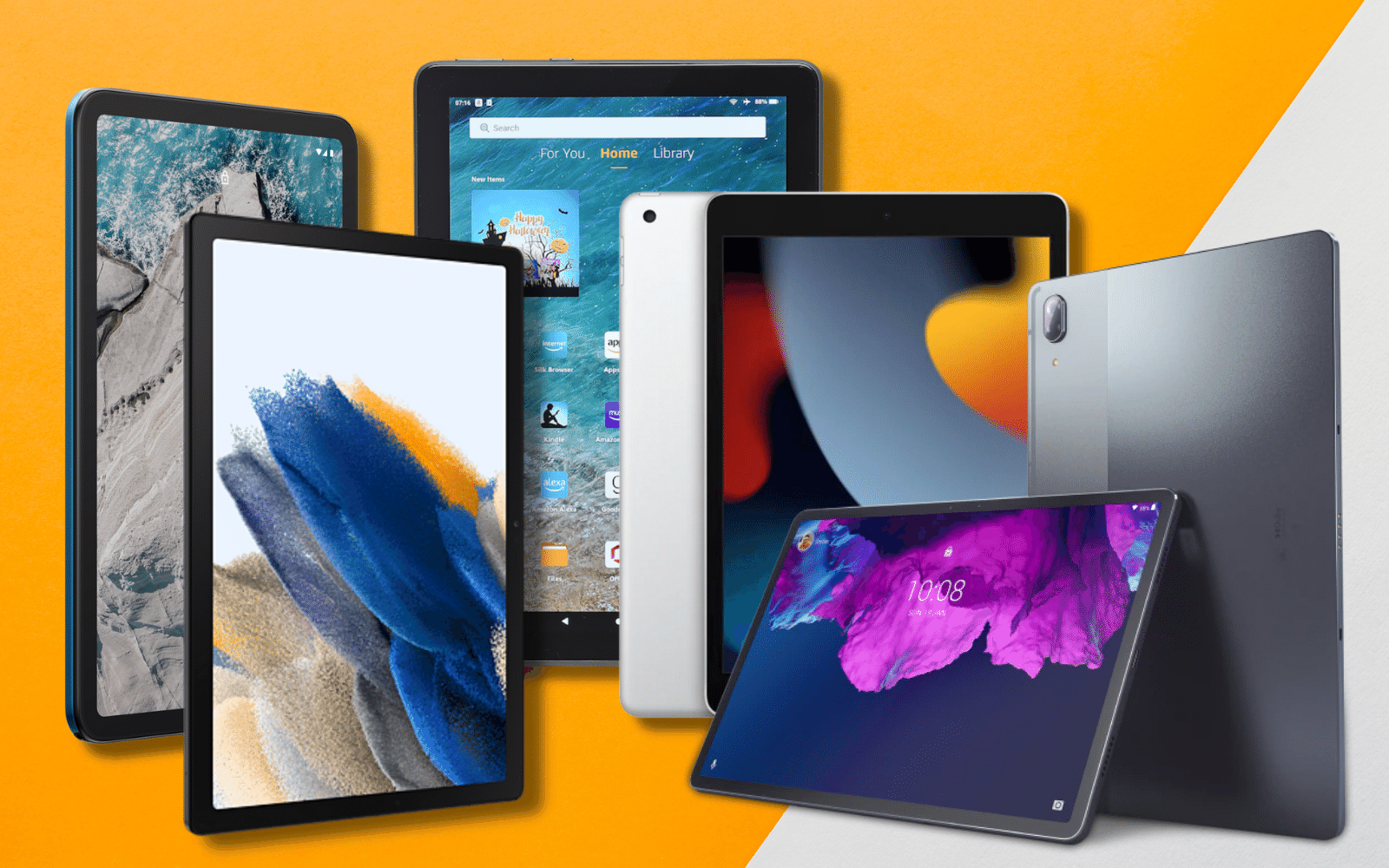
In today’s world, technology is an essential tool for staying connected and informed. However, many seniors struggle to keep up with the latest advancements, leading to a digital divide that isolates them from their loved ones and the world around them. To bridge this divide, some organizations are providing free tablets for seniors, allowing them to stay connected and engaged in the digital world.
Why Tablets for Seniors?
Seniors often face various challenges in using technology, such as difficulty in navigating devices, lack of computer skills, and financial barriers to purchasing expensive devices. Tablets are an excellent solution for these challenges as they are user-friendly, have a large touch screen, and offer a variety of mobile apps that can make everyday life easier.
Moreover, with the COVID-19 pandemic, many seniors have been isolated from their loved ones and have missed out on important events. Tablets provide a way for them to stay connected with family and friends through video calls and messaging, helping to combat loneliness and social isolation.
Who Provides Free Tablets for Seniors?
A variety of organizations are offering free tablets for seniors, including non-profit organizations, government agencies, and private companies. For example, the National Council on Aging and the AARP Foundation provide free tablets to low-income seniors through their Connect2Affect program. Government initiatives, such as the Federal Communications Commission’s Lifeline program, also provide low-cost tablets to eligible seniors.
Additionally, some private companies, such as Walmart and Amazon, have programs that offer free or discounted tablets to seniors. These programs are designed to make technology more accessible to seniors and help bridge the digital divide.
How to Get a Free Tablet for a Senior?
To get a free tablet for a senior, you can start by checking if they are eligible for any of the programs mentioned above. You can also reach out to local non-profit organizations or senior centers to inquire about any available programs.
Things To Consider Before Buying Tablets
- Operating System: When purchasing a tablet, the operating system should be your first priority. Apple’s iOS, Google’s Android, and Microsoft’s Windows are the most widely used options. It’s crucial to select an operating system that suits your needs and preferences because every operating system has strengths and weaknesses of its own.
- Screen Size and Resolution: When buying a tablet, you should also think about the screen size and resolution. Smaller screens are more portable and useful for reading and web browsing while larger screens are great for watching videos and playing games. The sharpness and clarity of the text and images on the screen will also depend on the screen’s resolution.
- Processor and RAM: How quickly and fluidly a tablet can operate depends on its processor and RAM. Demanding tasks, like gaming and video editing, will be easier to handle on a tablet with a faster processor and more RAM.
- Storage Capacity: The amount of data that can be stored on a tablet depends on its storage capacity, which is another crucial factor. You may want to choose a tablet with more storage if you need to keep a lot of pictures, videos, and other files.
- Connectivity: Think about a tablet’s Wi-Fi, cellular, and Bluetooth connectivity options. A tablet with cellular connectivity might be a better choice if you need to stay connected while not connected to Wi-Fi. Connecting to other devices, such as wireless speakers and keyboards, requires the use of Bluetooth.
- Price: When purchasing a tablet, price is yet another crucial factor. Since tablets can cost anywhere between $100 and $1000, it’s important to pick one that fits your budget while still offering the performance and features you require.
Pros and Cons
Pros
| Pros | Description |
| Portability | Tablets are a great choice for people who are constantly on the go because they are portable and light. |
| Touchscreen Interface | Tablets provide a user-friendly touch-friendly interface, which is especially helpful for people who are not familiar with conventional computer keyboards and mice. |
| Long Battery Life | In general, tablets have long-lasting batteries that enable users to work or play for hours without needing to recharge. |
| Versatility | Tablets are multipurpose devices that can be used for a range of activities, including web browsing, gaming, document creation and editing, and video viewing. |
| Affordable | Tablets are an excellent choice for those on a tight budget because they are typically less expensive than laptops. |
Cons
| Cons | Description |
| Limited Keyboard and Mouse Options | Because tablets lack conventional computer keyboards and mice, typing and other tasks can be more difficult. |
| Limited Storage Capacity | In comparison to laptops, tablets typically have less storage space, so users might need to buy extra storage devices to store all of their files. |
| Lack of USB Ports | It can be challenging to connect external devices like printers or external hard drives to tablets because they frequently lack USB ports. |
| Limited Software Options | Users might not be able to find the specific software they need on tablets because they typically have a smaller selection of software and apps than laptops. |
| Fragile Screens | Tablets are more brittle than laptops because they frequently have large touchscreens that are susceptible to damage. |
Conclusion
Tablets for seniors offer an excellent opportunity to help bridge the digital divide and keep seniors connected with their loved ones. With the right support and resources, seniors can enjoy the benefits of technology and stay engaged with the world around them.